Page | 56
Having made your selections, you would normally click the Create Session button at lower right
(then Start Session to launch the Replay Desktop), but first let’s explore the features of the Home
page a bit more.
5.2.2 OPEN (SESSION)
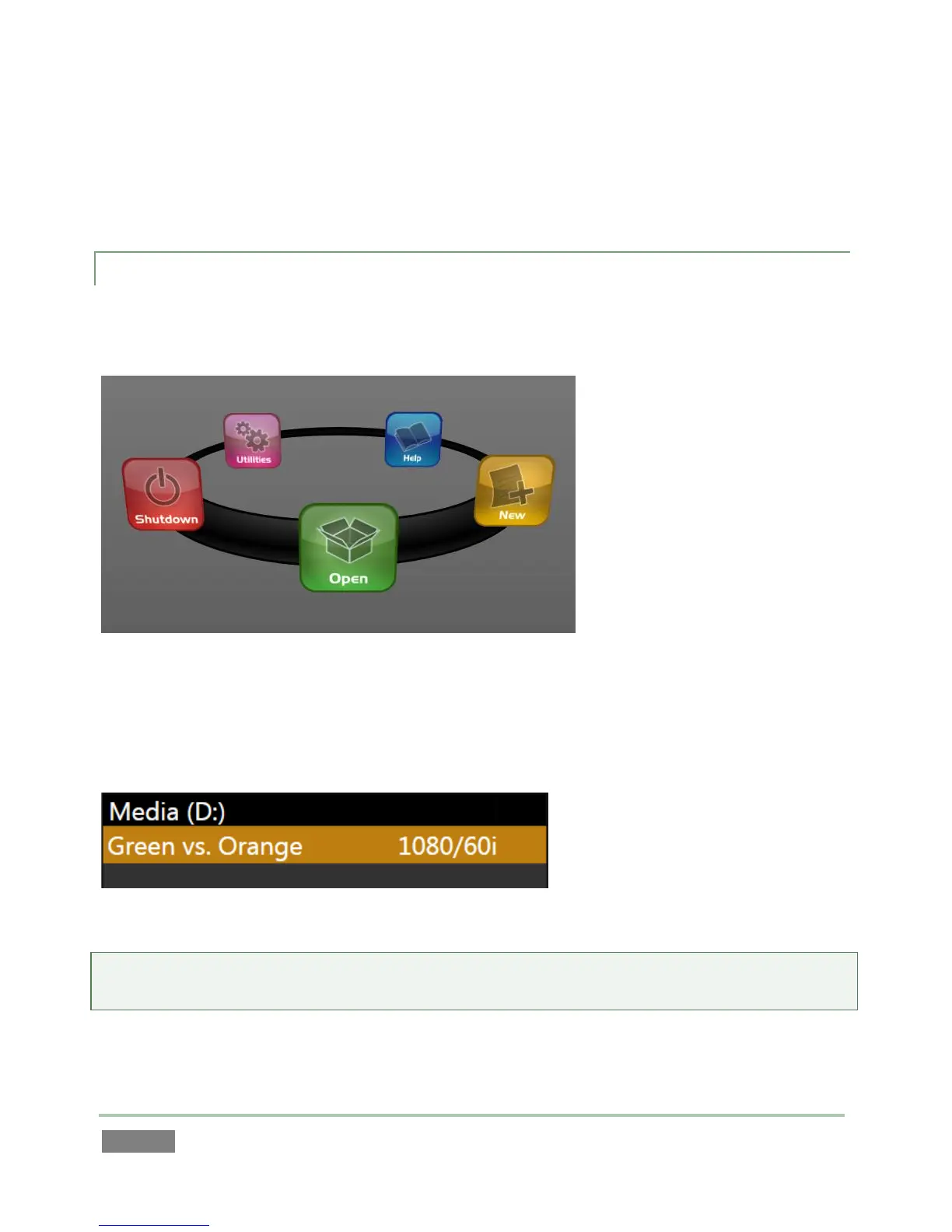
If there are existing sessions on any currently mounted drive(s), the icon ring on the Home Page
will default to the Open icon (Figure 46).
Figure 46
Selecting Open causes the Sessions List to appear at right. This pane shows all sessions stored on
currently mounted drives. The Session Name and video format for each is listed separately under
a header named for the storage volume they are located on (Figure 47).
Figure 47
Note: Media configured as Read-only is not shown for the New or Open (session) features, since
they cannot be used for sessions. However, Read-only media can be used for import purposes.



 To Next Page