3PLAY™ 820
AUX OUTPUT
The third connector row in the VIDEO OUT group on 3Play’s backplate is AUX. As for the other
two outputs, there are no configuration options for AUX. For SD sessions, the Component or Y/C
+ Composite connection type options are available. The video stream displayed on AUX is
determined by the active Output Mode (A or B – see sections 8.4 and 11.1). That is, whatever is
on the output with control is also sent to Aux.
MULTIVIEW OUTPUT
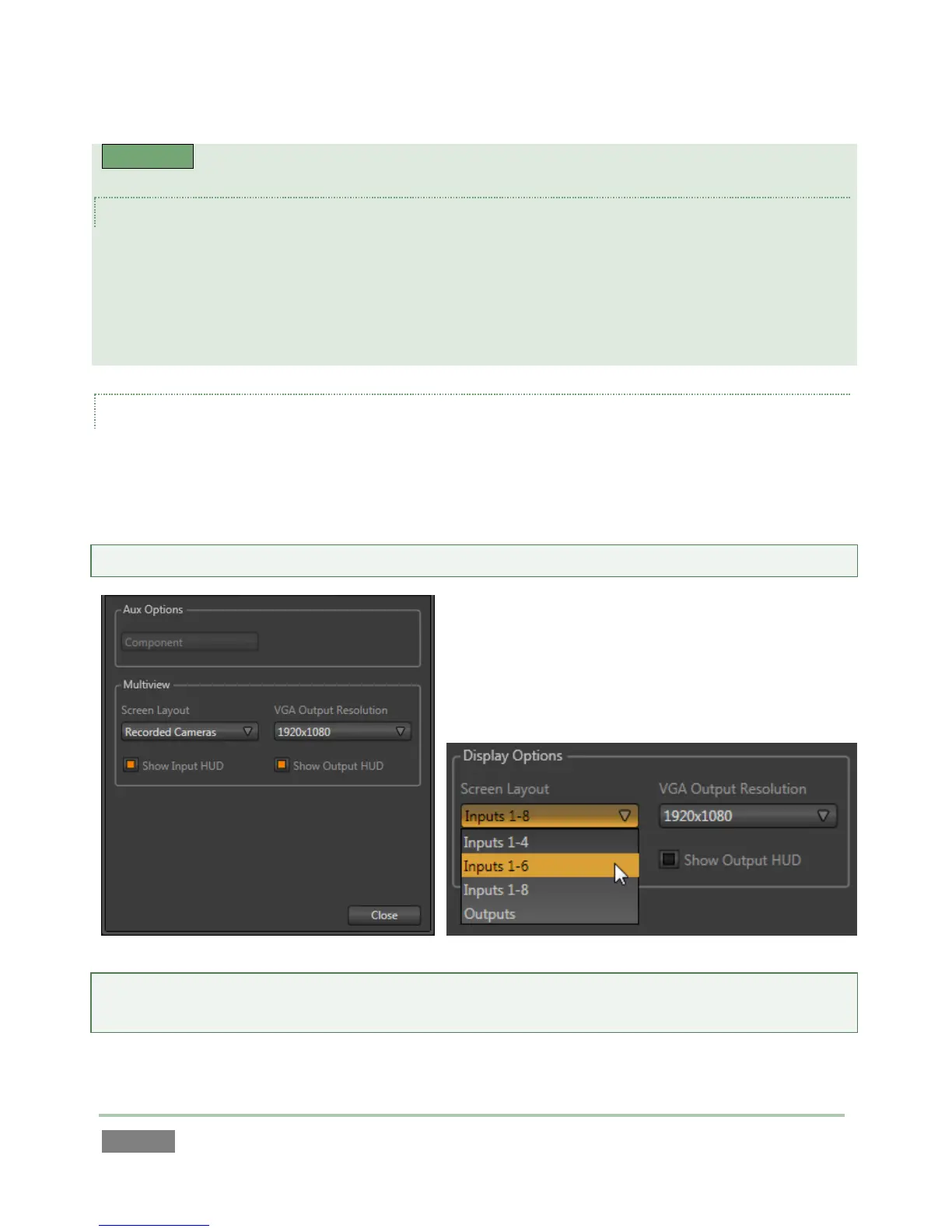
The Multiview connection supports a secondary display monitor for the 3Play™ operator or other
control room display purposes. The Multiview control group offers Screen Layout and VGA
Output Resolution options, along with HUD (Heads Up Display) switches.
Hint: See Section 7.2.5 for details on the time shown in Multiview layouts with clocks.
Note: Changing Multiview output options can cause frames to be dropped briefly. Changing these
settings during live production is not recommended.
The Screen Layout menu offers a list including several displays as follows:



 To Next Page