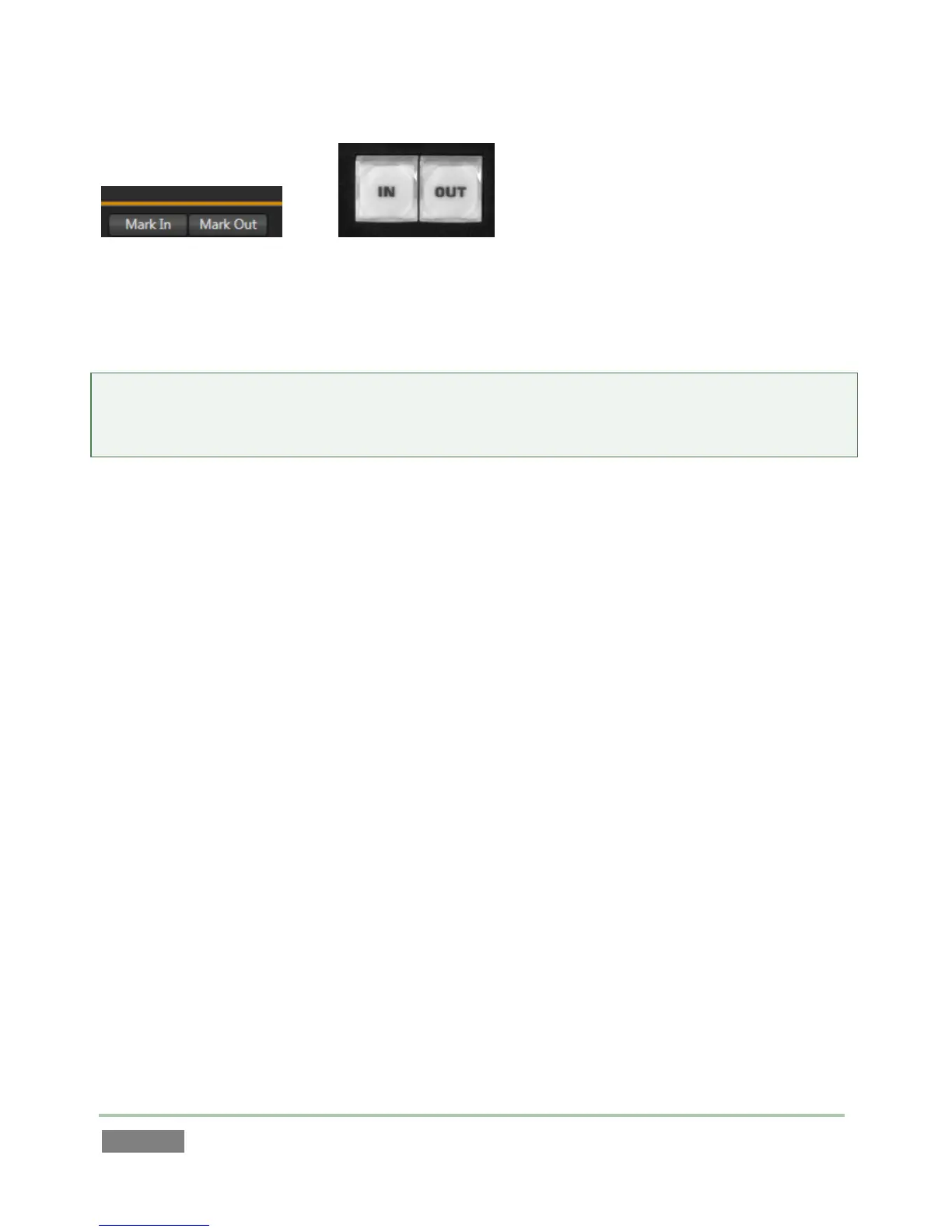
The IN and OUT buttons on the control surface perform identically to the Mark In and Mark Out
buttons in the Dashboard at the bottom of the Replay Desktop. See Sections 8.9 and 14.5 for full
details.
Reminder: In addition to creating events in the Clips List, and setting their In Points and Out
Points, these controls can be used to revise the existing Clips List event or Play List clip start and
end times as well, using ALT (or, for the Dashboard version, the Alt key) when pressing the button.



 To Next Page