Page | 119
MEDIA BROWSER
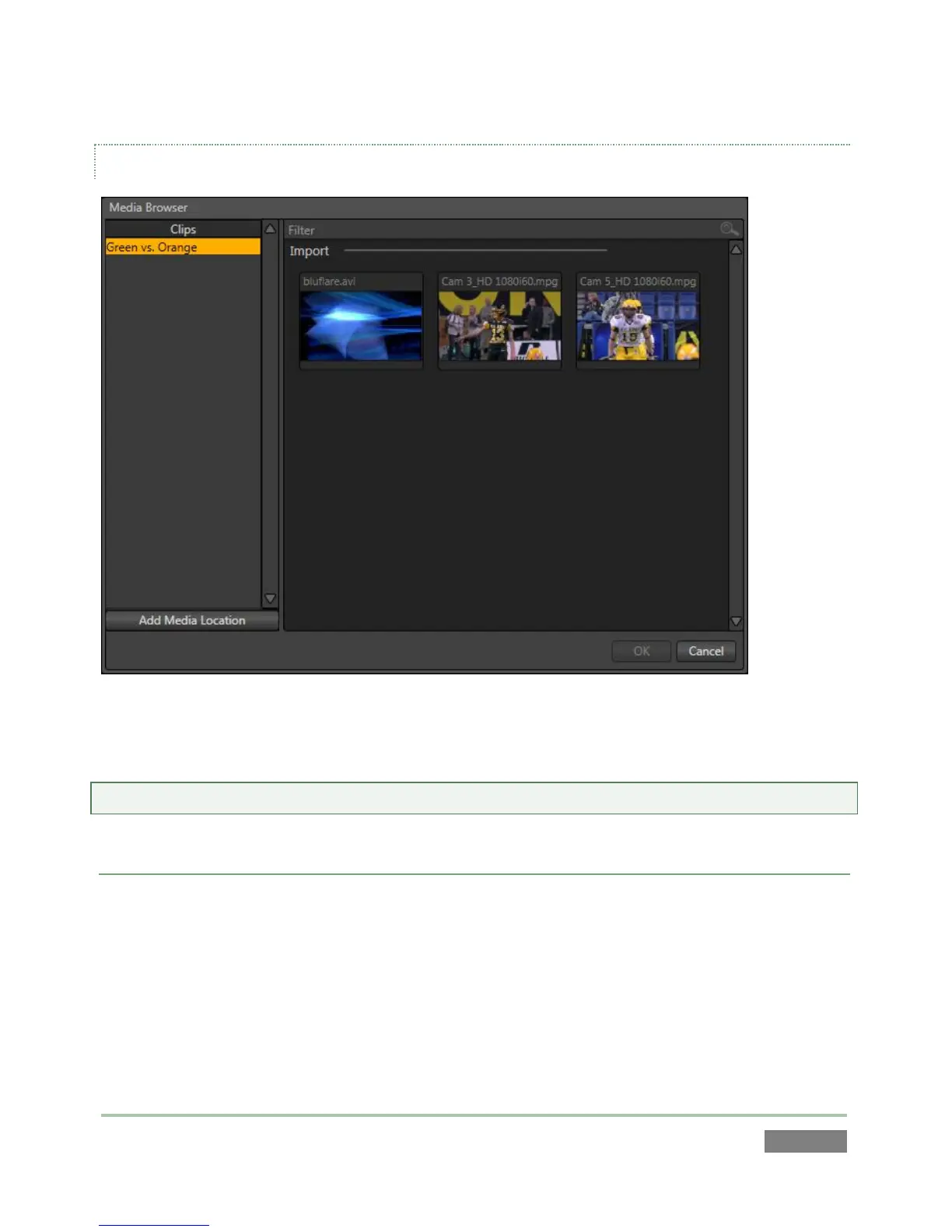
Figure 110
The left and right panes of the Media Browser are the Location List and File Pane, respectively.
Hint: Press the keyboard Tab key to cycle between the Location List, Filter and File Pane.
LOCATION LIST
The Location List is a column of favorite “locations”, grouped under the headings Clips, Stills, and
My Media Locations. A list of sub-headings corresponding to named sessions or other content
locations (discussed momentarily) can appear under these main headings.
Media files that were imported from the Startup Screen will be shown in the File Pane at right
when you select a Location sub-heading under Clips or Stills. The third main header in the
Location List is somewhat special.



 To Next Page