Page | 32
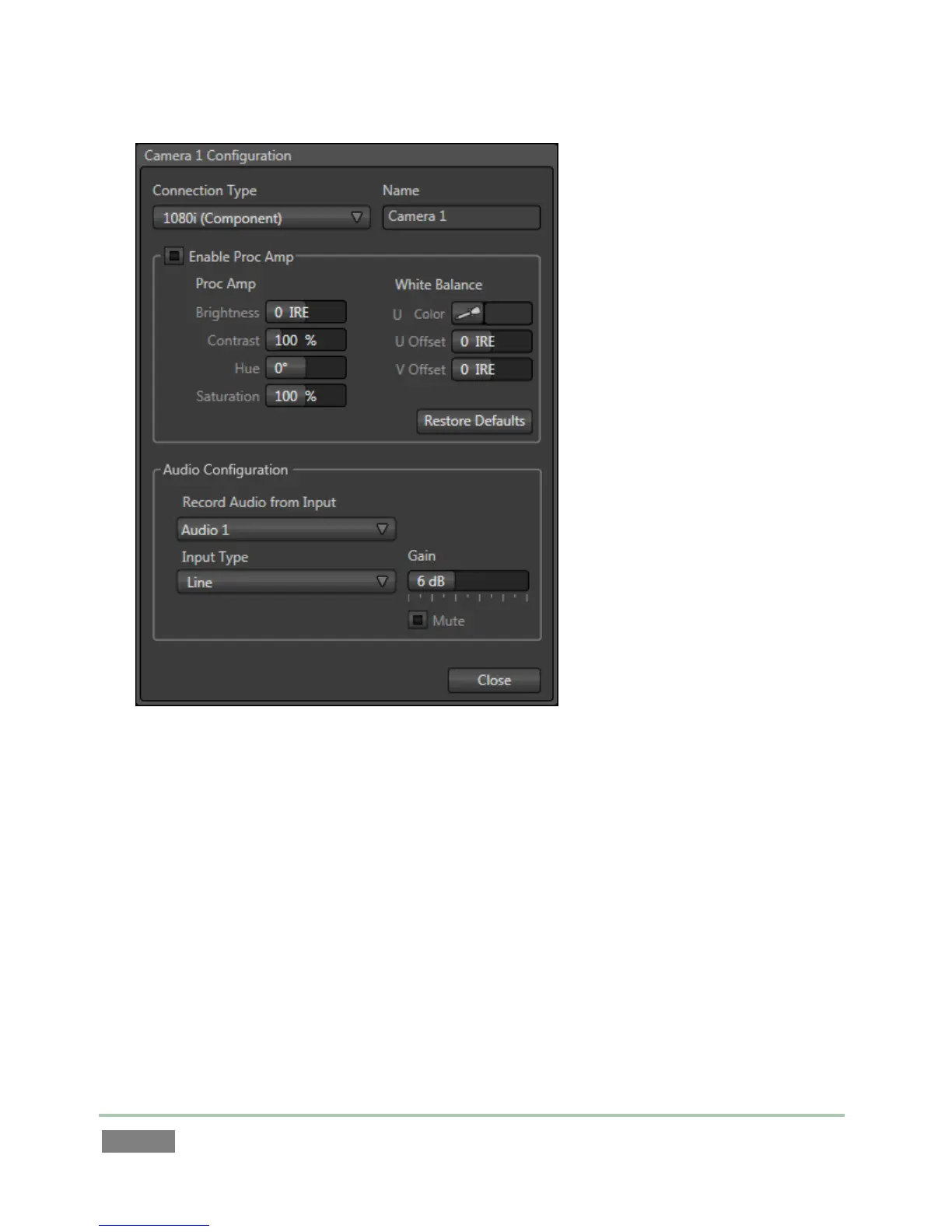
Figure 33
3. Click the Configuration button for Camera 1 to open a settings panel (Figure 33).
4. Click the Connection Type menu to reveal a listing of various connection types. Select
the correct format, such as 720p (Component), or 1080i (SDI), etc., for the video source
you plan to connect to this input.
At this point you should be able to view the (configured) sources on their respective monitors.
Before closing the Configuration panel, let’s continue to configure the related audio source.



 To Next Page