Page | 64
EXPORT MEDIA
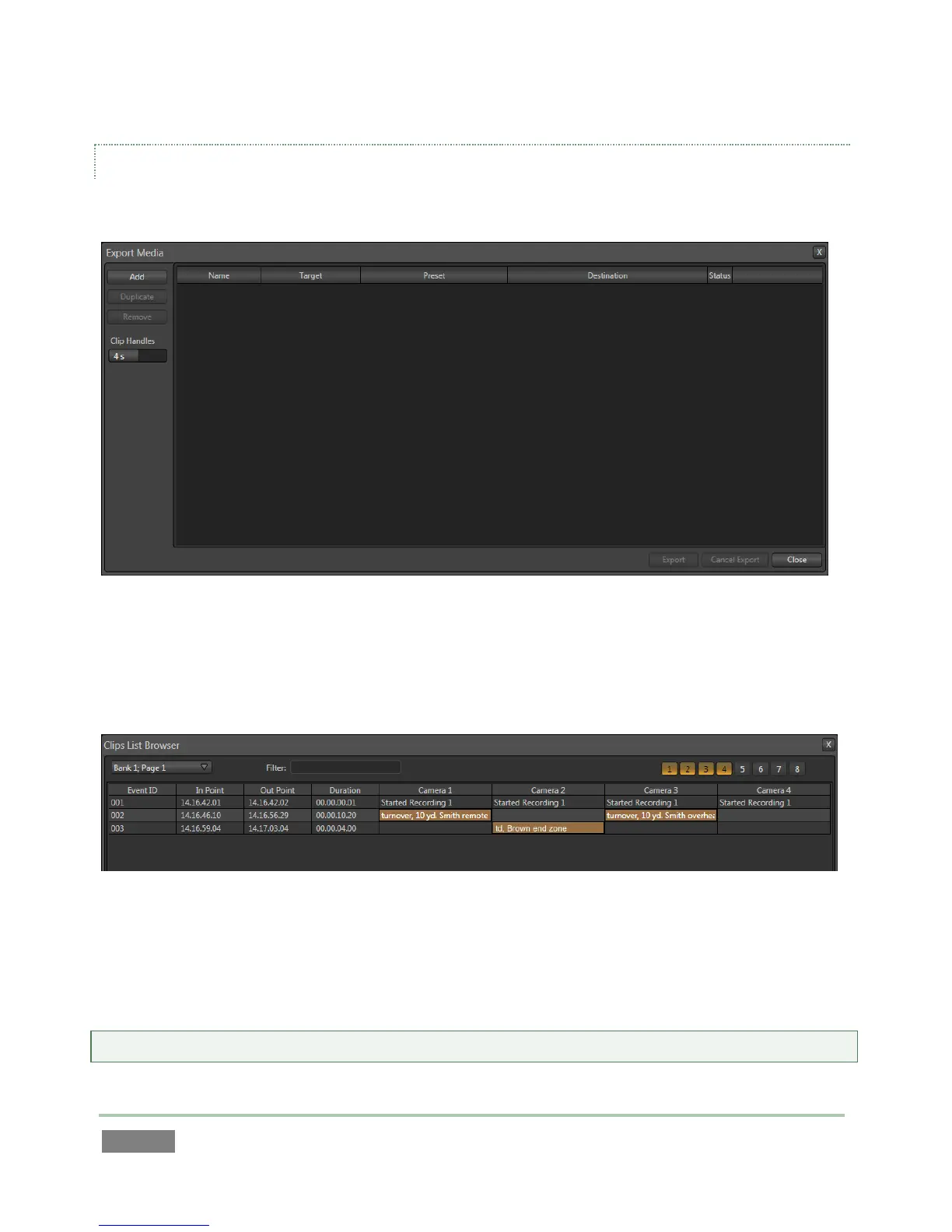
Clicking the Export Media link opens a new panel - Figure 57.
Figure 57
The Export Media module allows you to create a list of video clips for export, even selecting a
new file format for these exports to be converted to (on a per file basis), and designating where
to send them.
Figure 58
Click the Add button at upper left to open a custom Media Browser (Figure 58). Use this pane to
locate and select (or multi-select) video clips for export, choosing from the Clips List entries for
the current session (see Section 12.1.2 for browser details). Multi-clip selections are supported.
Hint: The Export Media panel can be resized by dragging its edges or corners with the mouse.



 To Next Page