Page | 77
For HD sessions, the only suitable Analog Output Type in popular use is Component, so options
are not provided in this case. The three analog connectors in the VIDEO OUT rows for a given
output on the system backplate are supplied with the (component) Y, Pr and Pb signals.For SD
sessions, however, you can choose between Component or Composite + Y/C.
This selection sends a composite video signal to the fist analog connector (labeled Y) in the
VIDEO OUT rows on the system backplate, and simultaneously sends a Y/C video signal to the
two connectors in the same output row labeled Pb and Pr, respectively.
The following table lists the signal types for each connector in the video output section:
NAME
Figure 68
The Name field (next to Analog Output Type) is editable, allowing you to enter a custom name
for each output. The name supplied will appear in the HUD (Heads-Up Display).
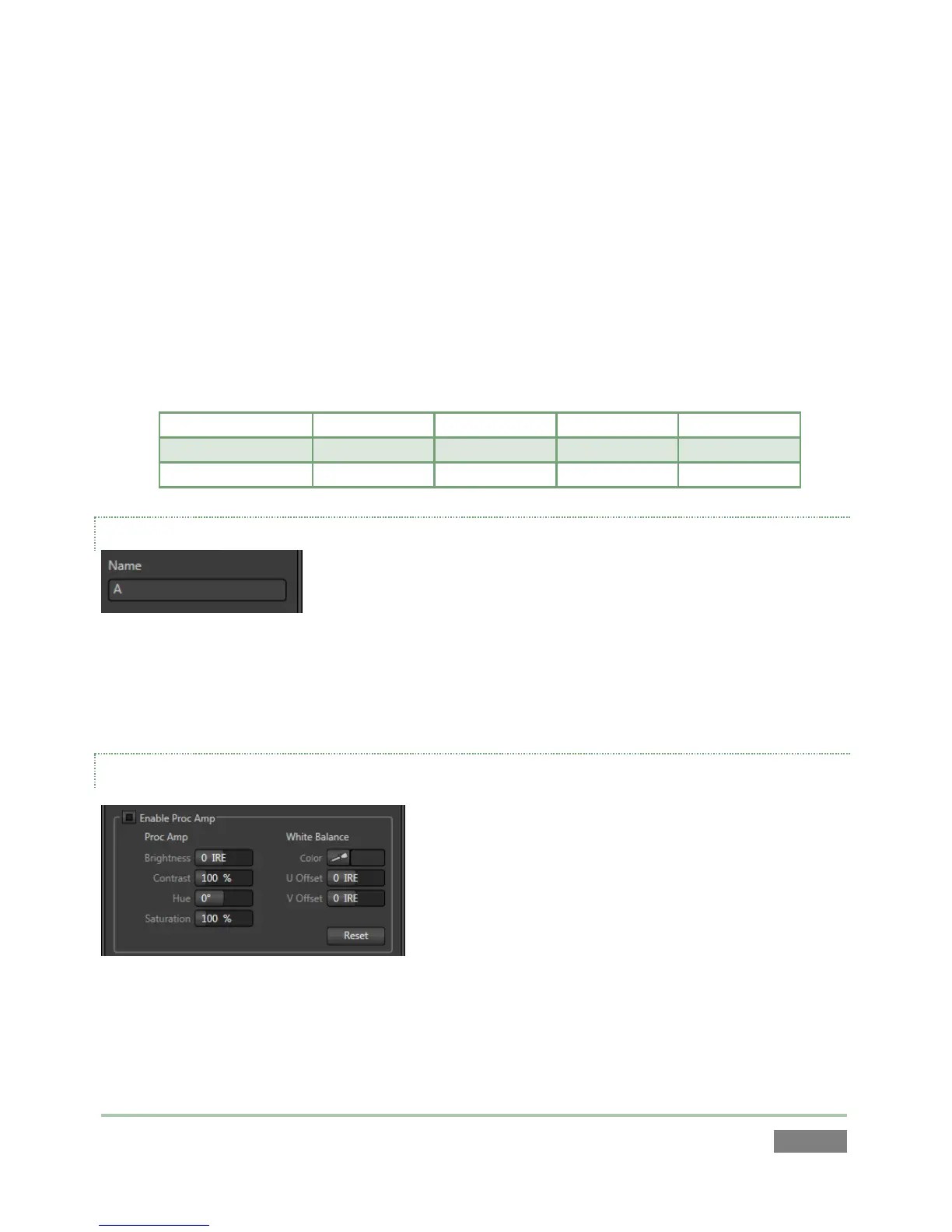
PROC AMP
Figure 69
Proc Amp adjustments can be toggled on and off using the Enable Proc Amp switch at upper left,
or reset by clicking the Restore Defaults button.



 To Next Page