NIBE FIGHTER 1250
The integrated hot water heater is surrounded by the circu-
lating water that the heat pump heats.
During ”normal” consumption it is enough to run the heat
pump’s compressor to supply the different tapping points
of the house with hot water. The temperature of the hot
water at the top of the hot water heater then varies be-
tween the set values.
(See controlling ”Hot water temperature”)
Prioritizing
If the water in the heater needs heating, the heat pump
prioritizes this and shifts to hot water mode with the entire
heat pump output.
No room heat is produced in this mode.
Prioritizing can be affected via settings in the front panel.
(See controlling ”Hot water temperature”)
”Extra hot water” can be activated in three different
ways:
1. Periodic time based extra hot water
- The increase starts when the compressor increases
the HW temp to the set temperature in menu 1.7,
then the electrical addition increases the temperature
to 65 ºC.
- The increased temperature is maintained by the elec-
trical addition for one hour.
- Interval between increases selected in menu 1.8.
Menu 1.9 shows when the next increase is due.
2. Schedule time based extra hot water
- The increase starts when the compressor increases
the HW temp to the set temperature in menu 1.7,
then the electrical addition increases the tempera-
ture in menu 1.6. The increased temperature is
maintained by the electrical addition for the selected
period.
- The start and stop times for the day of the week that
the increase is required is set in the sub menus to
menu 7.5.0.
3. Temporary extra hot water
- The current ”extra hot water” mode is
shown on the display when the button is
pressed and when you continue to press
the button the mode changes in steps 3,
6, 12, and 24 hours and the standby mode.
- The increase starts when the compressor increases
the HW temp to the set temperature in menu 1.7,
then the electrical addition increases the temperature
in menu 1.6. The increased temperature is main-
tained by the electrical addition until the period of
time has expired.
(See controlling ”Hot water temperature”)
Extra Hot Water
The ”Extra hot water” function temporarily increases the
temperature of the hot water. The temperature is fi rst
increased to an adjustable level by the compressor (menu
1.7) and then the electrical addition increases until the stop
temperature is reached (menu 1.6).
Temporary ”Extra hot water” is activated manually, whilst
time based extra hot water is activated using the settings
made in the control computer.
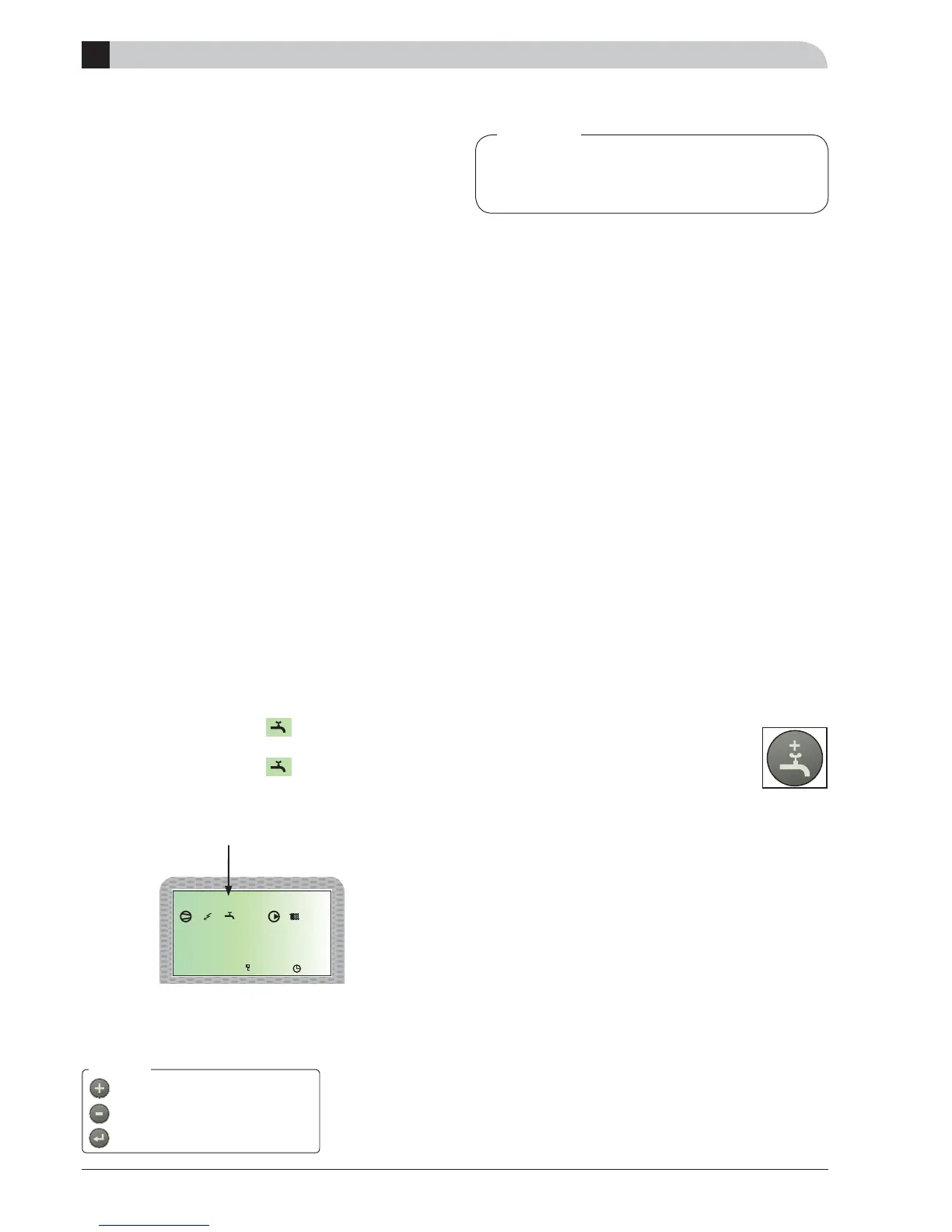
When:
- ”A” appears above the -icon, temporary extra
hot water is active.
- ”B” appears above the -icon, time based extra
hot water is active.
(See controlling ”Hot water temperature”)
Hot water settings
”Extra hot water” can mean that the electri-
cal addition has been activated and therefore
increases the electrical consumption.
A
Hot water settings



 To Next Page