NIBE FIGHTER 1250
Alarm text on the display Alarm description Check/remedy before installers/service
technicians are called
LP alarm Tripped low pressure pressostat That there is brine in the level vessel.
HP alarm Tripped high pressure pressostat That thermostats for the radiators/under fl oor
heating loops are open.
Inverter error Inverter error Check and replace any blown circuit and main
fuses.
Panel gone out Check and replace any blown circuit and main
fuses.
Set switch (8) to standby ” ”.
The table shows the types of alarms that may occur in the event of a malfunction.
Alarm indications
There are many monitoring functions integrated in the heat
pump system. To alert you to any malfunctions, the control
computer transmits alarm signals that can be read from the
front panel display.
Different types of alarms
Alarms with automatic reset
(do not need to be acknowledged when the cause has
disappeared).
Existing alarms that require corrective action by you or
the installer.
In the event of an alarm
The background lighting in the display starts fl ashing
and the status lamp lights red.
Certain alarms switch off hot water charging to alert you
to an error, at the same time, the operating mode shifts to
”Only additional heat” and additional heat is engaged.
Acknowledging alarms
(No harm in acknowledging an alarm)
When an alarm has been triggered, it can be acknowl-
edged by switching the switch (8) off and on for
FIGHTER 1250.
When the alarm cannot be reset using the switch (8),
the operating mode, "Only additional heat", can be ac-
tivated to have access to hot water gain.
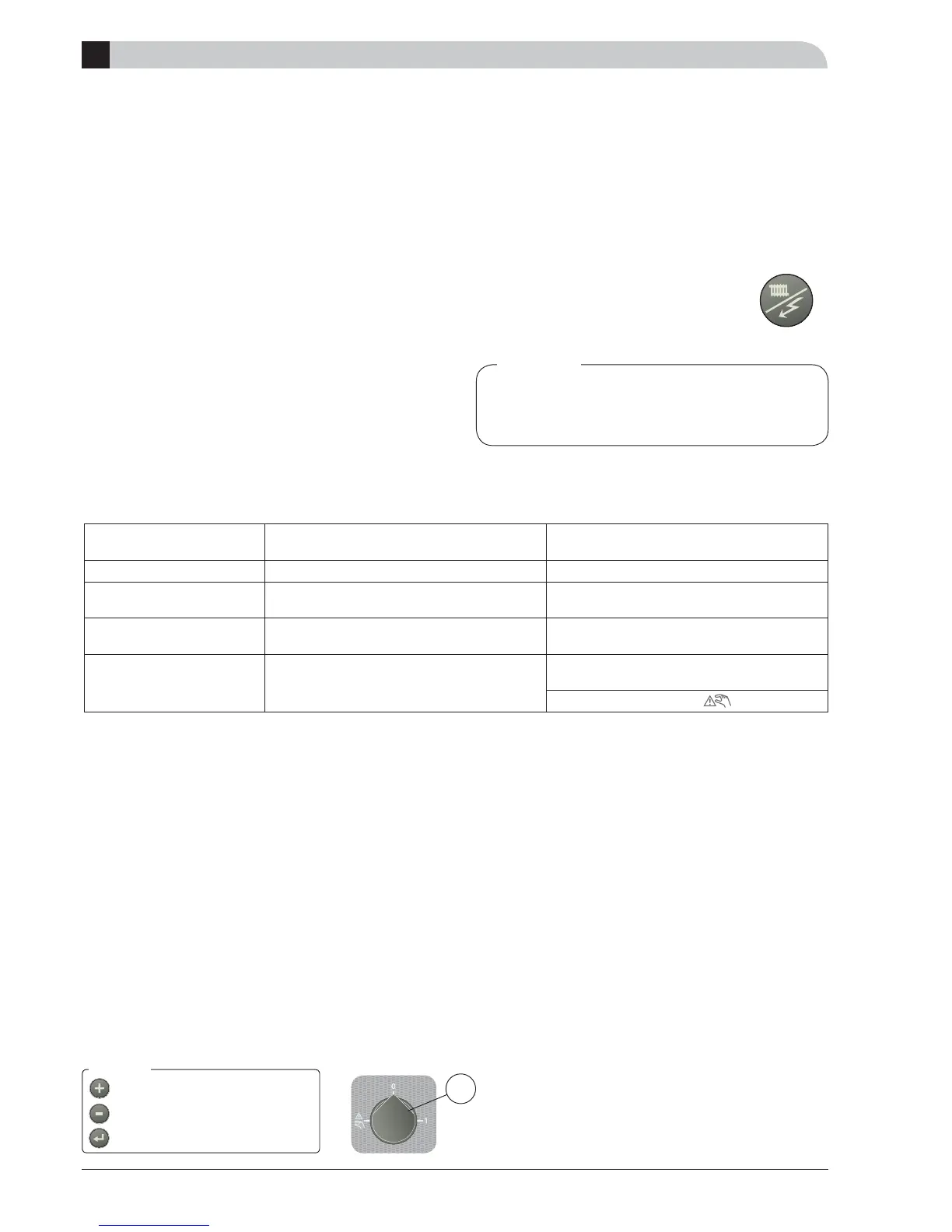
This is most easily carried out by holding
the ”Operating mode” button in for 7
seconds.
A
8
Alarm indications
Recurring alarms mean that there is a fault in
the installation.
Contact your installer!
Other alarm, see section E ”Control”
Menu 1.0 is normally shown on the display
(the temperature in the hot water heater)
The plus and minus buttons and the enter
button can be used to scroll in the menu
system and change values in certain menus.
(See Front panel section)
Menu values
Note!



 To Next Page