NIBE FIGHTER 1250
Key lock
A key lock can be activated in the main menus by simulta-
neously pressing the plus and the minus buttons. The key
symbol will then be shown on the display.
The same procedure is used to deactivate the key lock.
Control computer
The heat pump is controlled by a computer that ensures
that all component parts work in the most effi cient way for
the relevant operation.
It controls and monitors hot water production and provides
information about set control conditions. In the event of a
malfunction, an alarm and warnings are transmitted to the
front panel to keep the user informed about the conditions
at all time. At the same time, the heat pump is controlled
in a way that prevents damage to the installation.
Extra accessories
Accessories for controlling extra heating circuit and pool
heating for example, are also controlled by the control
computer according to the settings carried out on the front
panel. If necessary, it is also possible to connect a room
temperature sensor.
This is how to use the front panel
All the most common settings are made from the panel as
well as control computer instructions such as comfort etc.
that you require the heat pump system to fulfi l.
In order for the installation to be used optimally, certain
default settings must have been made (see the section
”Default settings”) and the installation is carried out ac-
cording to the relevant instructions.
Menu types
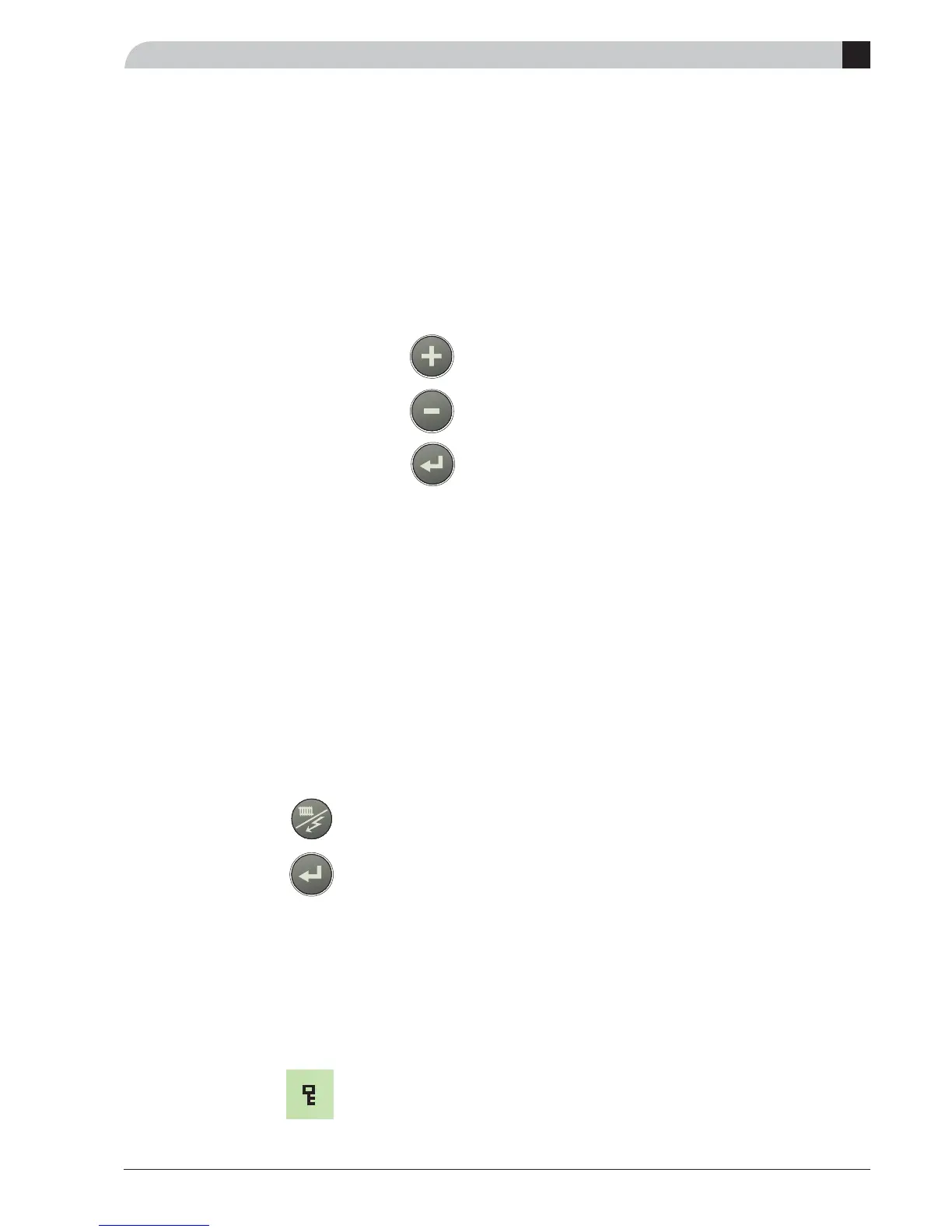
Menu 1.0 is normally shown on the
display
(the temperature in the hot water heater)
The plus and minus buttons and the en-
ter button are used to scroll through the
menu system as well as to change the set
value in some menus.
Control is divided into different menu types depending on
how ”deep” into the controls you need to go.
Normal [N]: The settings you as a customer often
need.
Extended [E]: Shows all detailed menus except the serv-
ice menus.
Service [S]: Shows all menus.
Changing of menu type is done from menu 8.1.1
Quick movement
To quickly return to the main menu from a sub menu, press
one of the following buttons:
1. Operating mode button
2. The Enter button
Note! Ensure that the operating mode (Auto, Summer,
Only additional heat, alarm mode) is not altered
during quick movement.
A
The front panel



 To Next Page