84
y
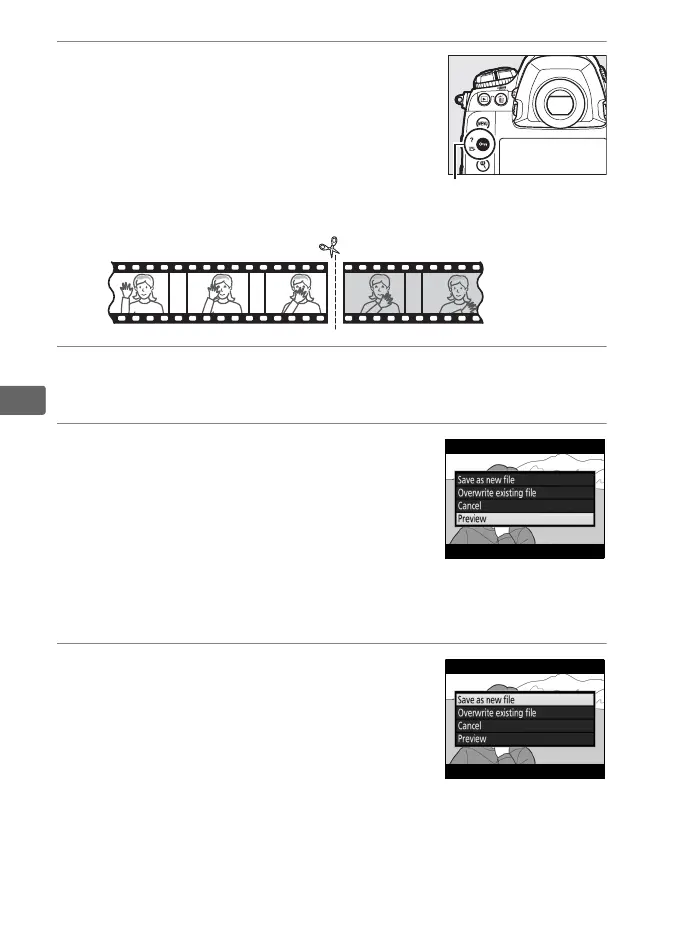
6 Choose the end point.
Press L (Z/Q) to switch from the start
point (w) to the end point (x) selection
tool and then select the closing frame as
described in Step 5.
The frames after the
selected frame will be removed when you
save the copy in Step 9.
7 Create the copy.
Once the desired frame is displayed, press 1.
8 Preview the movie.
To preview the copy, highlight Preview
and press J (to interrupt the preview
and return to the save options menu,
press 1).
To abandon the current copy
and select a new start point or end point
as described on the foregoing pages, highlight Cancel and
press J; to save the copy, proceed to Step 9.
9 Save the copy.
Highlight Save as new file and press J
to save the copy to a new file.
To replace
the original movie file with the edited
copy, highlight Overwrite existing file
and press J.



 To Next Page