S
124
S
ISO Sensitivity
The camera’s sensitivity to light can be adjusted according to the
amount of light available.
Choose from settings that range from
ISO 100 and ISO 102400 in steps equivalent to
1
/3 EV.
Settings of
from about 0.3 to 1 EV below ISO 100 and 0.3 to 5 EV above ISO
102400 are also available for special situations.
The higher the ISO
sensitivity, the less light needed to make an exposure, allowing
higher shutter speeds or smaller apertures.
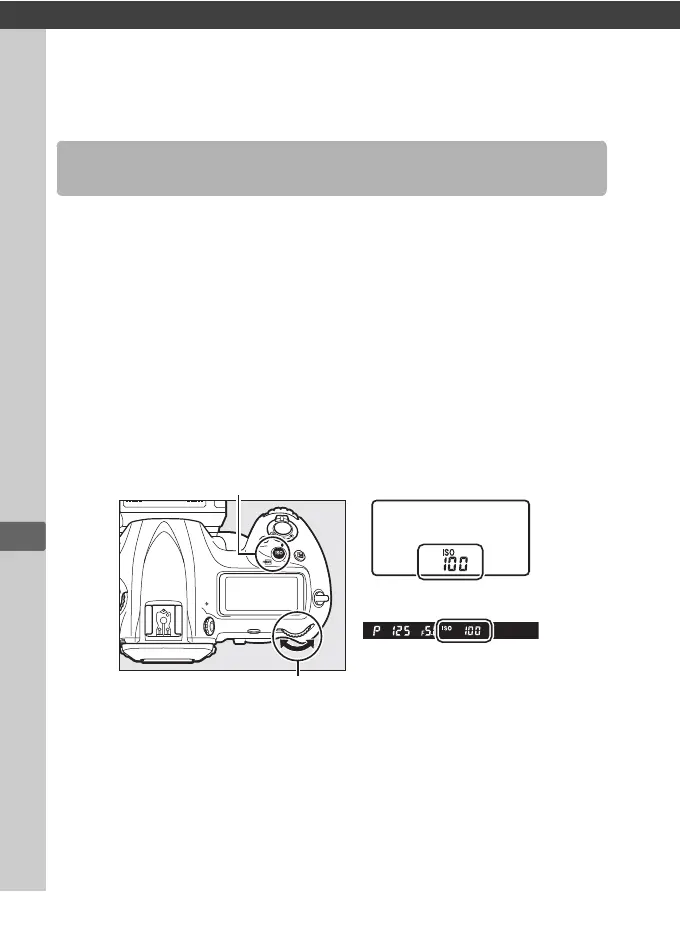
ISO sensitivity can be adjusted by pressing the S (Q) button and
rotating the main command dial until the desired setting is
displayed in the top control panel and viewfinder.
Manual Adjustment
S (Q) button
Main command dial
Top control panel
Viewfinder



 To Next Page