195
l
3 Adjust flash settings.
Choose the flash mode (0 198) and flash control mode
(0 197).
4 Adjust shutter speed and aperture.
5 Take pictures.
D Use Only Nikon Flash Accessories
Use only Nikon flash units.
Negative voltages or voltages over 250 V
applied to the accessory shoe could not only prevent normal operation,
but damage the sync circuitry of the camera or flash.
Before using a
Nikon flash unit not listed in this section, contact a Nikon-authorized
service representative for more information.
A Shutter Speed
Shutter speed can be set as follows when an optional flash unit is used:
Mode Shutter speed
P, A Set automatically by camera (
1
/250 s–
1
/60 s)
*
S Value selected by user (
1
/250 s–30 s)
M Value selected by user (
1
/250 s–30 s, Bulb (A), Time (%))
* Shutter speed may be set as slow as 30 s if slow sync, slow rear-curtain
sync, or slow sync with red-eye reduction is selected for flash mode.
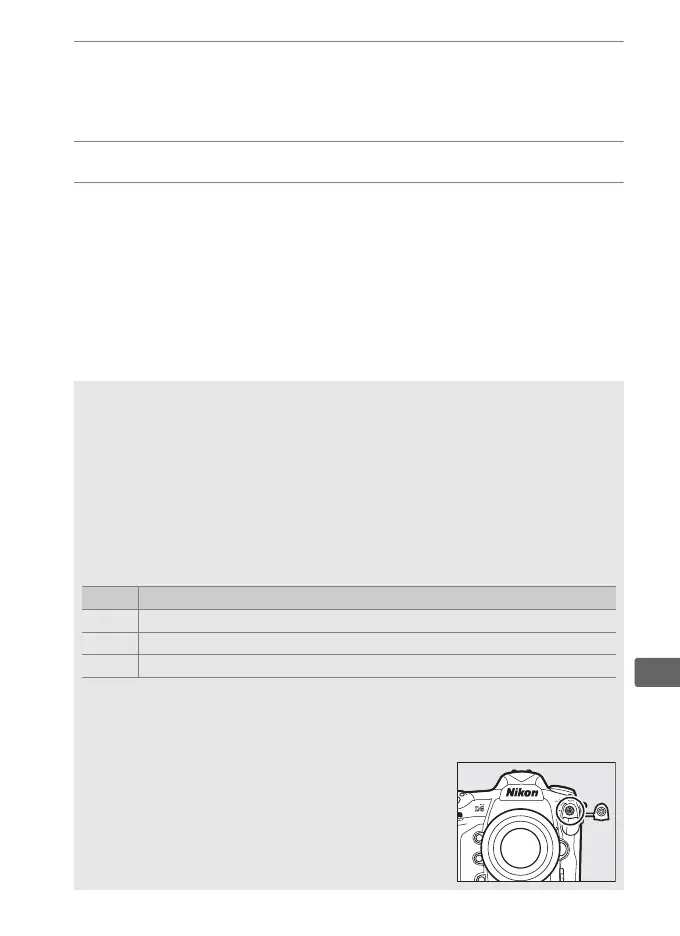
A The Sync Terminal
A sync cable can be connected to the sync
terminal as required.
Do not connect another
flash unit via a sync cable when performing rear-
curtain sync flash photography with a flash unit
mounted on the camera accessory shoe.



 To Next Page