e
270
e
Voice Memos
Voice memos up to 60 seconds long can be added to photographs
during playback or recording.
During Playback
To add a voice memo to an existing photograph:
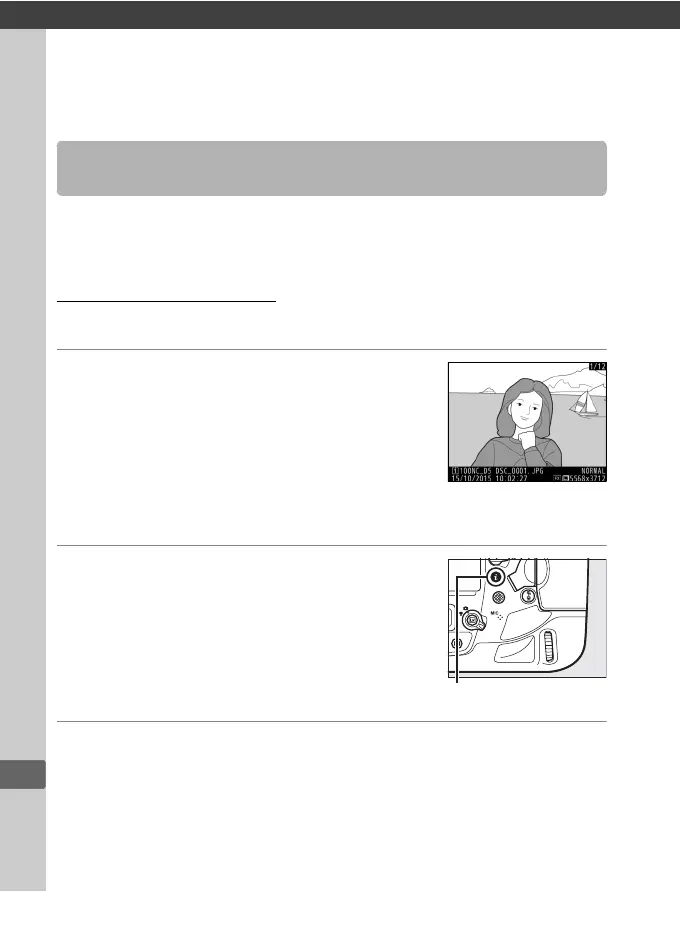
1 Select the photograph.
Display the photograph full-frame or
highlight it in the thumbnail list.
Only
one voice memo can be recorded per
image; additional voice memos can not
be recorded for images already marked
with a h icon.
2 Start recording.
To start recording, press the i button,
highlight Record voice memo, and press
J.
A C icon is displayed while recording
is in progress.
3 End recording.
Press the center of the multi selector to end recording.
Recording Voice Memos



 To Next Page