316
U
1 The Movie Shooting Menu:
Movie Shooting Options
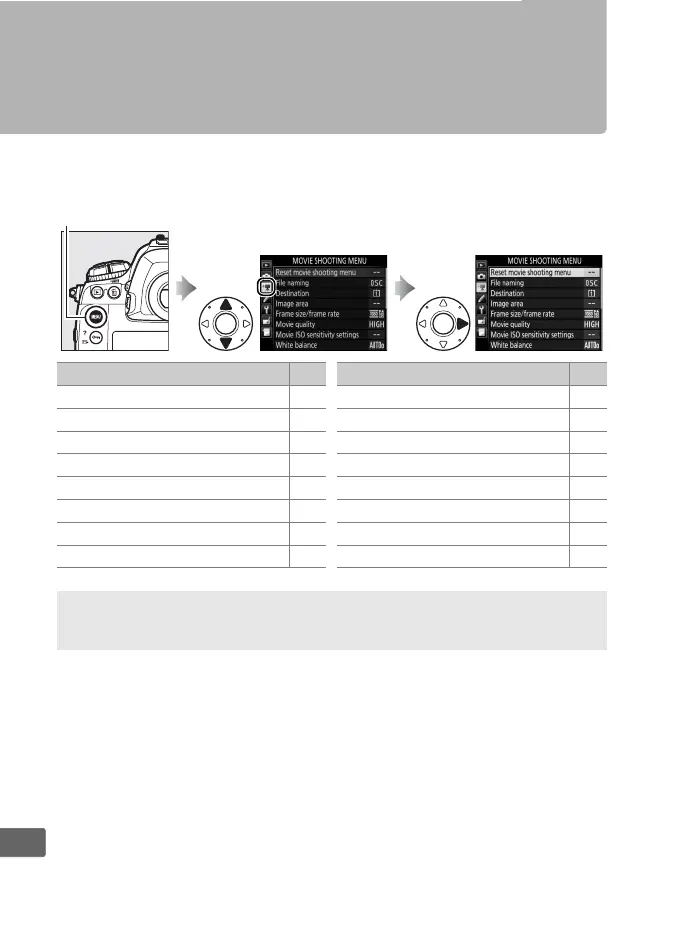
To display the movie shooting menu, press G and select the
1 (movie shooting menu) tab.
G button
Option 0
Reset movie shooting menu 317
File naming 317
Destination 317
Image area 70
Frame size/frame rate 67
Movie quality 67
Movie ISO sensitivity settings 318
White balance 318
Set Picture Control 319
Manage Picture Control 319
Microphone sensitivity 319
Frequency response 319
Wind noise reduction 320
High ISO NR 320
Time-lapse movie 74
Flicker reduction 320
Option 0
A See Also
Menu defaults are listed on page 290.



 To Next Page