74
y
Time-Lapse Movies
The camera automatically takes photos at selected intervals to
create a silent time-lapse movie using the options currently
selected for Choose image area (0 70), Frame size/frame rate,
Movie quality, and Destination in the movie shooting menu
(0 316).
The photos are taken using viewfinder photography.
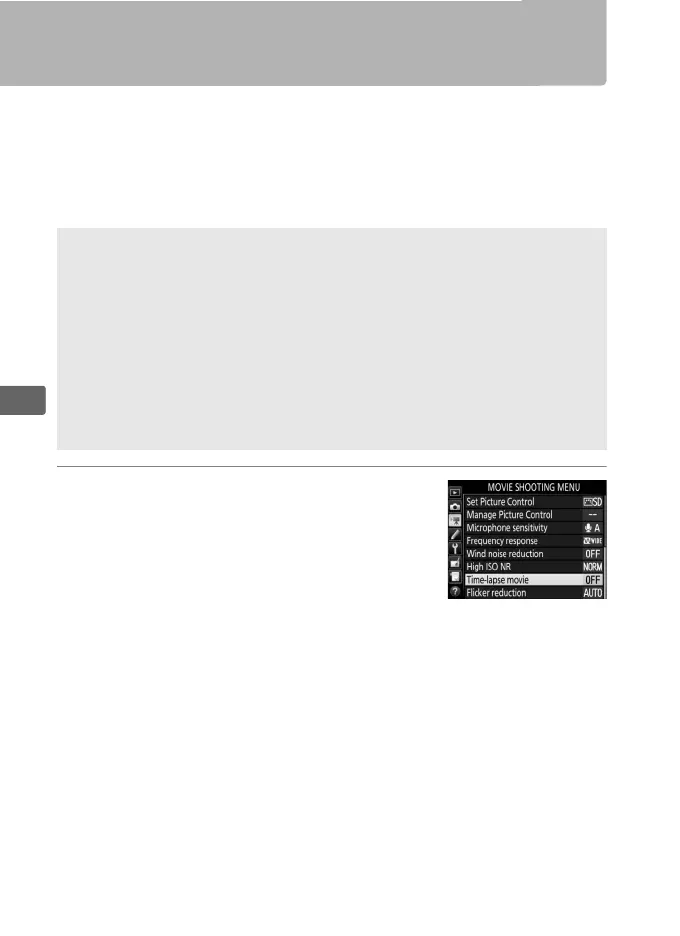
1 Select Time-lapse movie.
Highlight Time-lapse movie in the
movie shooting menu and press 2 to
display time-lapse movie settings.
A Before Shooting
Before shooting a time-lapse movie, take a test shot at current settings
and view the results in the monitor.
For consistent coloration, choose a
white balance setting other than auto (0 159).
Use of a tripod is recommended.
Mount the camera on a tripod before
shooting begins.
To ensure that shooting is not interrupted, use an
optional AC adapter and power connector or a fully-charged battery.
To
prevent light entering via the viewfinder interfering with photographs
and exposure, close the viewfinder eyepiece shutter (0 120).



 To Next Page