274
e
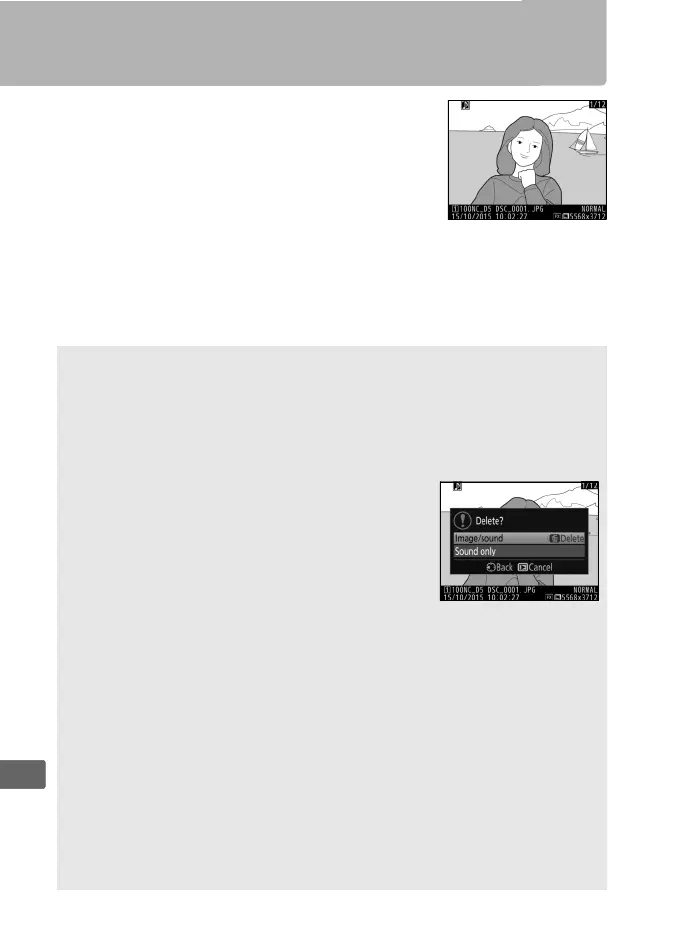
Playing Voice Memos
To play voice memos, press i and select Play
voice memo when viewing photographs
marked with h icons (0 246).
A The Fn3 button
If Voice memo is selected for Custom Setting f1 (Custom control
assignment) > Fn3 button (0 344, 349), you can press the Fn3 button
to start and stop voice memo playback.
A Deleting Voice Memos
To delete voice memos from an image, display
the image full-frame or select it in the thumbnail
display and press the O (Q) button, then
highlight Selected image and press O (Q)
again to display the following options:
• Image/sound: Select this option and press the
O (Q) button to delete both photo and voice memo.
• Sound only: Select this option and press the O (Q) button to delete
only the voice memo.
To exit without deleting either voice memo or photo, press K.
A Interrupting Playback
Pressing the shutter-release button or operating other camera controls
may end playback.
Playback ends automatically when another image is
selected or the camera is turned off.
A See Also
The Voice memo options > Audio output option in the setup menu
can be used to choose a device for voice memo playback (0 381).



 To Next Page