310
U
Rename folders and select the folder in which
subsequent images will be stored.
❚❚ Rename
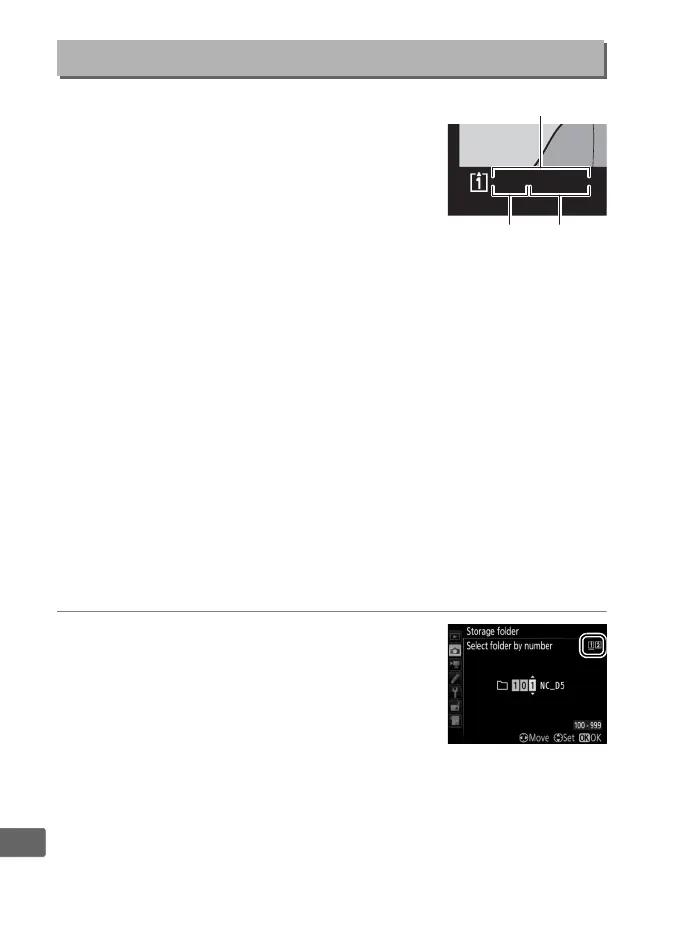
Folders are identified by a 5-character folder name preceded by a
3-digit folder number assigned automatically by the camera.
The
default folder name is “NC_D5”; to change the name assigned to
new folders, select Rename and rename the folder as described in
Step 6 of “Creating Custom Picture Controls” (0 185; if desired, the
default name can be restored by pressing and holding the O (Q)
button while the keyboard is displayed). Existing folders can not
be renamed.
❚❚ Select Folder by Number
To select folders by number or create a new folder with the current
folder name and a new folder number:
1 Choose Select folder by number.
Highlight Select folder by number and
press 2.
The dialog shown at right will
be displayed, with the current primary
slot (0 97) underlined.
Storage Folder
G button ➜ C photo shooting menu
Folder
Folder
number
Folder
name
1
00
NC
_
D
5
15
/
10
/
2015



 To Next Page