311
U
2 Choose a folder number.
Press 4 or 2 to highlight a digit, press 1 or 3 to change.
If a
folder with the selected number already exists, a W, X, or Y
icon will be displayed to the left of the folder number:
• W: Folder is empty.
• X: Folder is partially full.
• Y: Folder contains 999 pictures or a picture numbered 9999.
No further pictures can be stored in this folder.
The card on which the folder is stored is shown by the card slot
icon in the top right corner of the “select folder by number”
dialog.
The card used for new folders depends on the option
currently selected for Role played by card in slot 2 (0 97).
3 Save changes and exit.
Press J to complete the operation (to exit without changing
the storage folder, press the G button).
If a folder with the
specified number does not already exist, a new folder will be
created.
Subsequent photographs will be stored in the
selected folder unless it is already full.
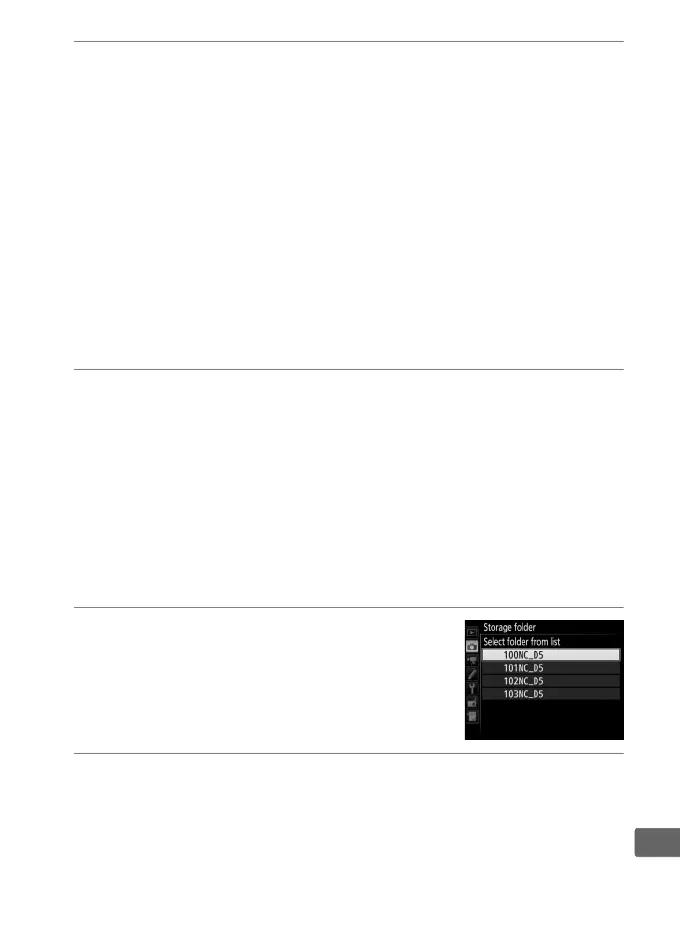
❚❚ Select Folder from List
To choose from a list of existing folders:
1 Choose Select folder from list.
Highlight Select folder from list and
press 2.
2 Highlight a folder.
Press 1 or 3 to highlight a folder.



 To Next Page