340
U
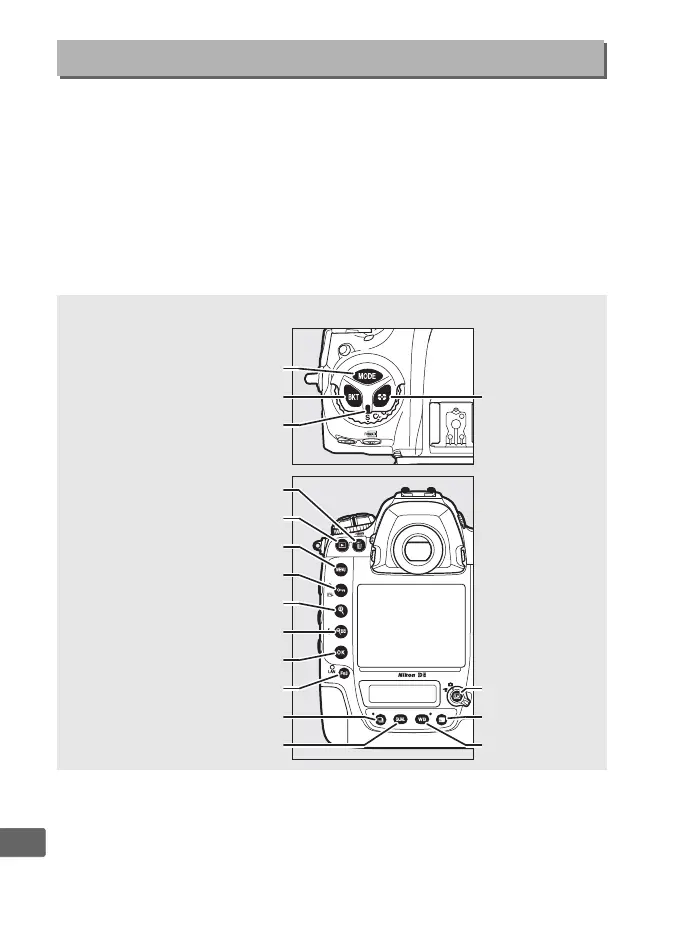
If Off is selected, the control panel and button backlights
(illuminators) will only light while the power switch is rotated
toward D.
If On is selected, the backlights will remain on while the
standby timer is active (0 41).
Regardless of the option selected,
the backlights turn off when the shutter-release button is pressed;
if On is selected, they will come back on when you lift your finger
from the shutter-release button.
Select Off for increased battery
life.
d9: LCD Illumination
G button ➜ A Custom Settings menu
A Button Backlights
I button
BKT button
Release mode dial pointer
O (Q)
button
K button
G
button
L (
Z/Q) button
X
button
W (M) button
J
button
Fn3 button
S
button
T button
a
button
R
button
U button
Y button



 To Next Page