377
U
IPTC presets can be created on the camera
and embedded in new photographs as
described below.
You can also load IPTC
presets saved to a memory card using IPTC
Preset Manager software, available for free
download from:
http://downloadcenter.nikonimglib.com/
See online help for instructions on using the software.
❚❚ Renaming, Editing, and Copying Presets
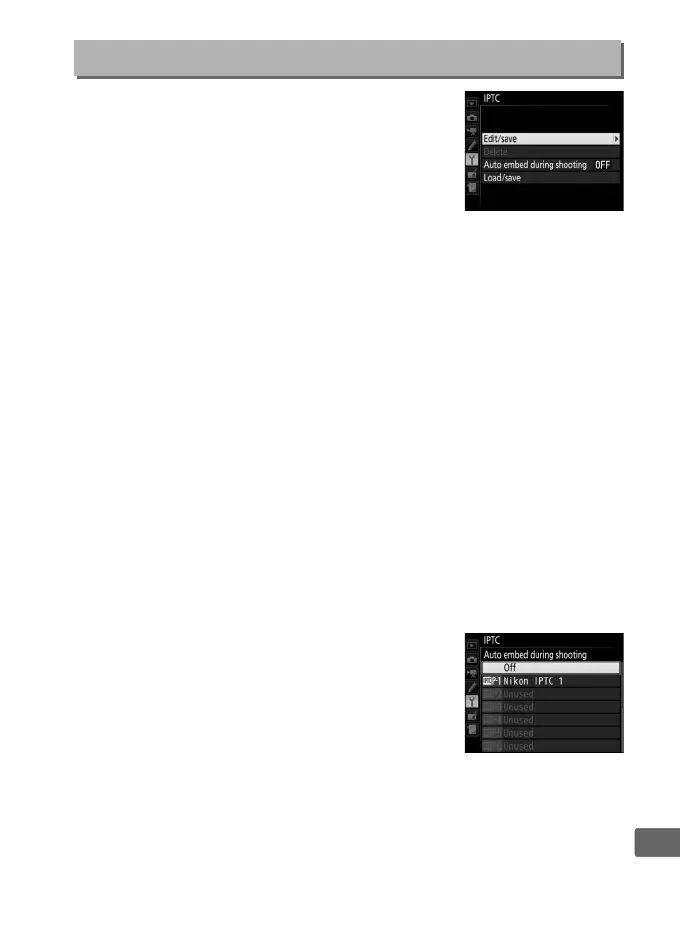
Highlight Edit/save and press 2 to display a list of existing
presets. To edit or rename a preset, highlight it and press 2 (to
create a new preset, highlight Unused and press 2).
Select
Rename to rename the preset or Edit IPTC information to select
fields and edit their contents as described on page 185.
To copy a
preset, highlight it in the preset list and press X.
Highlight the
destination and press J and then name the copy as desired. The
camera can hold up to 10 presets.
❚❚ Deleting Presets
To delete presets, highlight Delete and press 2.
❚❚ Embedding Presets
To embed a preset in all new photographs,
highlight Auto embed during shooting and
press 2.
A list of preset will be displayed;
highlight a preset and press J (to disable
embedding, select Off).
IPTC
G button ➜ B setup menu



 To Next Page