330
U
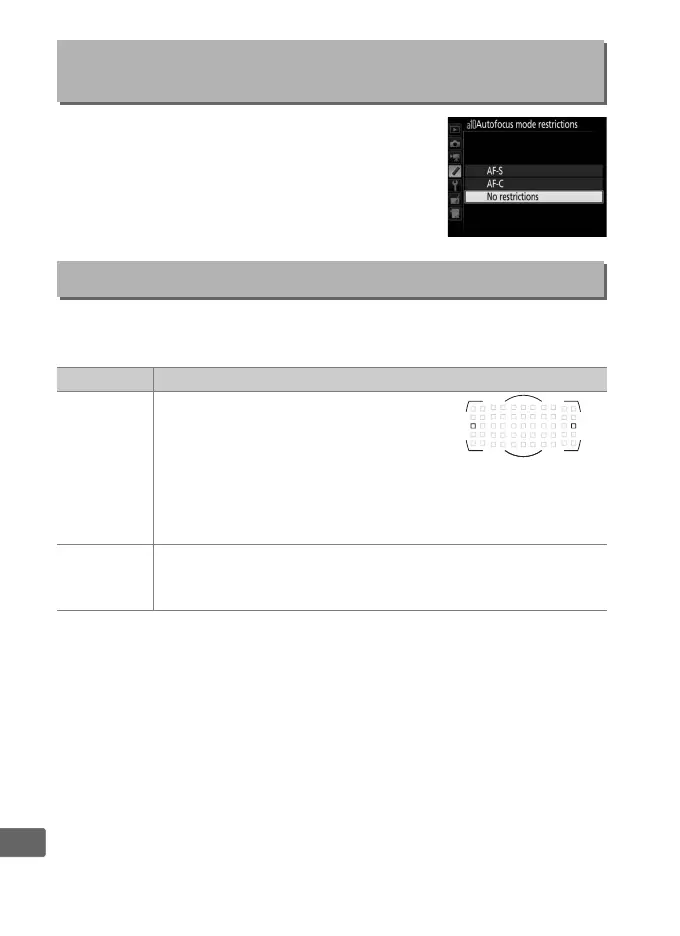
Choose the autofocus modes available in
viewfinder photography (0 101).
If only one
mode is selected, the autofocus mode can not
be chosen using the AF-mode button and
main command dial.
Choose whether focus-point selection “wraps around” from one
edge of the viewfinder to another.
a10: Autofocus Mode
Restrictions
G button ➜ A Custom Settings menu
a11: Focus Point Wrap-Around
G button ➜ A Custom Settings menu
Option Description
Wrap
Focus-point selection “wraps
around” from top to bottom, bottom
to top, right to left, and left to right,
so that, for example, pressing 2
when a focus point at the right edge of the viewfinder
display is highlighted (q) selects the corresponding focus
point at the left edge of the display (w).
No wrap
The focus-point display is bounded by the outermost focus
points so that, for example, pressing 2 when a focus point
at the right edge of the display is selected has no effect.



 To Next Page