307
U
C The Photo Shooting Menu:
Shooting Options
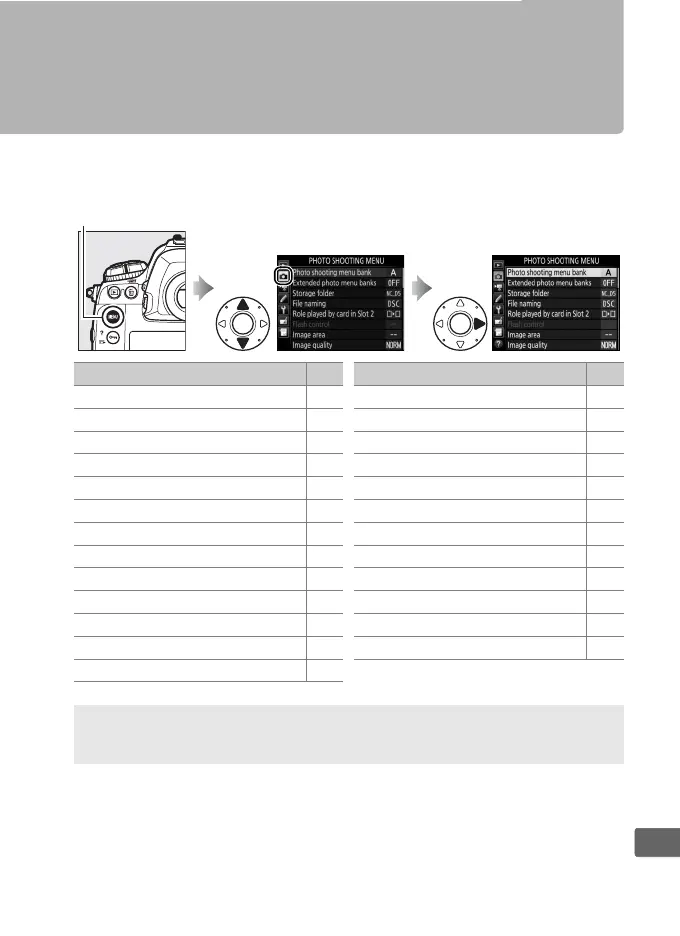
To display the photo shooting menu, press G and select the
C (photo shooting menu) tab.
G button
Option 0
Photo shooting menu bank 308
Extended photo menu banks 309
Storage folder 310
File naming 312
Role played by card in Slot 2 97
Flash control 204
Image area 87
Image quality 92
Image size 95
NEF (RAW) recording 94
ISO sensitivity settings 124
White balance 159
Set Picture Control 179
Manage Picture Control 184
Color space 313
Active D-Lighting 187
Long exposure NR 313
High ISO NR 314
Vignette control 314
Auto distortion control 315
Auto bracketing set 146
Multiple exposure 227
HDR (high dynamic range) 189
Interval timer shooting 234
Silent live view photography 54
Option 0
A See Also
Menu defaults are listed on page 288.



 To Next Page