382
U
Choose the pitch and volume of the beep that sounds when the
camera focuses using single-servo AF (AF-S; 0 101), when focus
locks during live view photography, while the release timer is
counting down in self-timer mode (0 120), when the shutter-
release button is pressed for a second time during mirror-up
photography, when time-lapse shooting ends (0 74), or the touch-
screen is used for keyboard entry (0 185).
Note that regardless of
the option selected, a beep will not sound in movie mode (0 59) or
quiet-shutter release mode (mode Q; 0 116) or if On is selected for
Silent live view photography during live view. A beep will not
sound when the camera focuses using single-servo AF if Release is
selected for Custom Setting a2 (AF-S priority selection, 0 326).
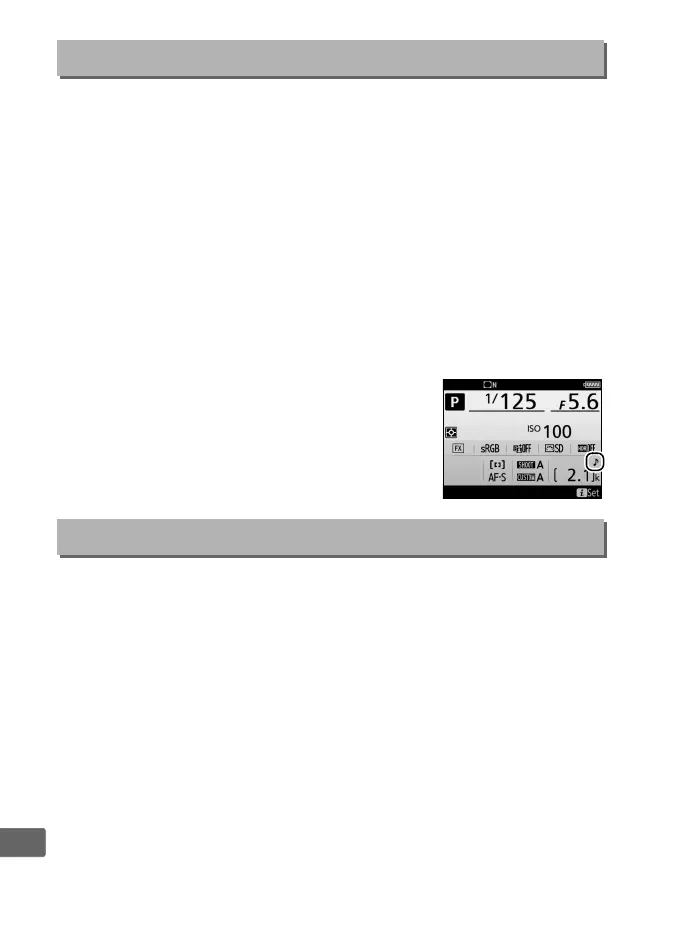
• Volume: Choose 3 (high), 2 (medium), 1
(low) or Off (mute).
When an option other
than Off is selected, c appears in the
information display.
• Pitch: Choose High or Low.
Adjust monitor touch control settings (0 12).
❚❚ Enable/Disable Touch Controls
Enable or disable touch controls.
❚❚ Full-Frame Playback Flicks
Choose the gesture used to display the next image in full-frame
playback: a flick from right to left or a flick from left to right.
Beep
G button ➜ B setup menu
Touch Controls
G button ➜ B setup menu



 To Next Page