381
U
❚❚ Voice Memo Control
This option takes effect when voice memo recording is assigned to
the Fn3 button (0 344), when it controls manual recording.
The
following options are available:
❚❚ Audio Output
Choose the device used for voice memo playback.
Option Description
!
Press and hold
Voice memo is recorded while Fn3 button is held
down.
Recording will end automatically after 60 s.
$
Press to start/
stop
Recording begins when Fn3 button is pressed and
ends when button is pressed again.
Recording will
end automatically after 60 s.
Option Description
%
Speaker/
headphones
Voice memos are played
back over built-in speaker or
(if connected) over third-
party headphones.
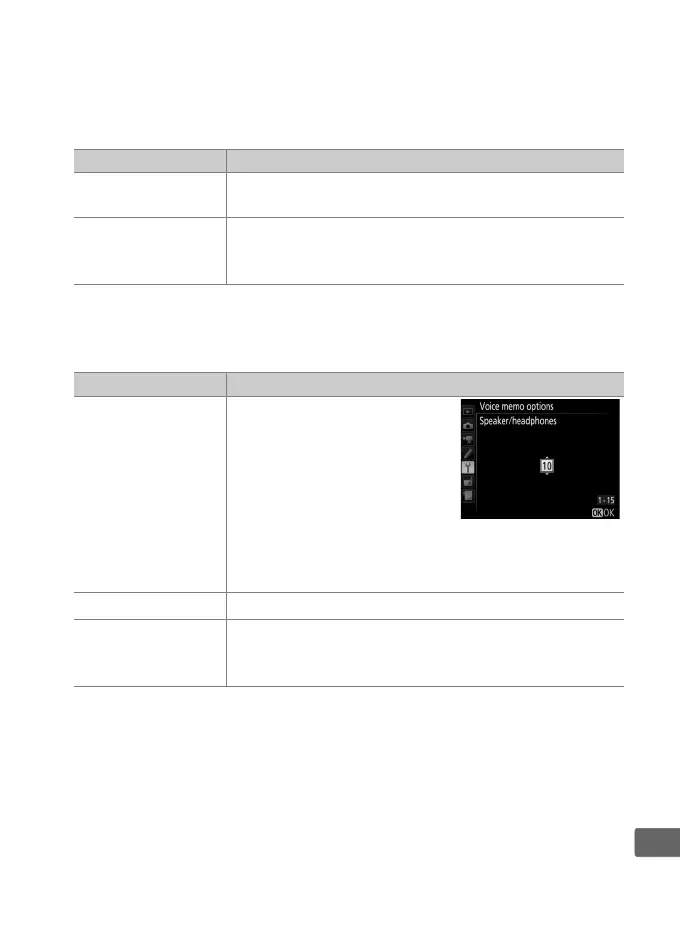
Selecting
this option displays menu
shown at right.
Press 1 or 3
to change volume.
Beep will
sound when option is selected.
Press J to make
selection and return to setup menu.
&
HDMI Audio signal output to HDMI terminal.
(
Off
Voice memos are not played back.
b icon is
displayed when photo for which voice memo exists
is viewed in monitor.



 To Next Page