86
y
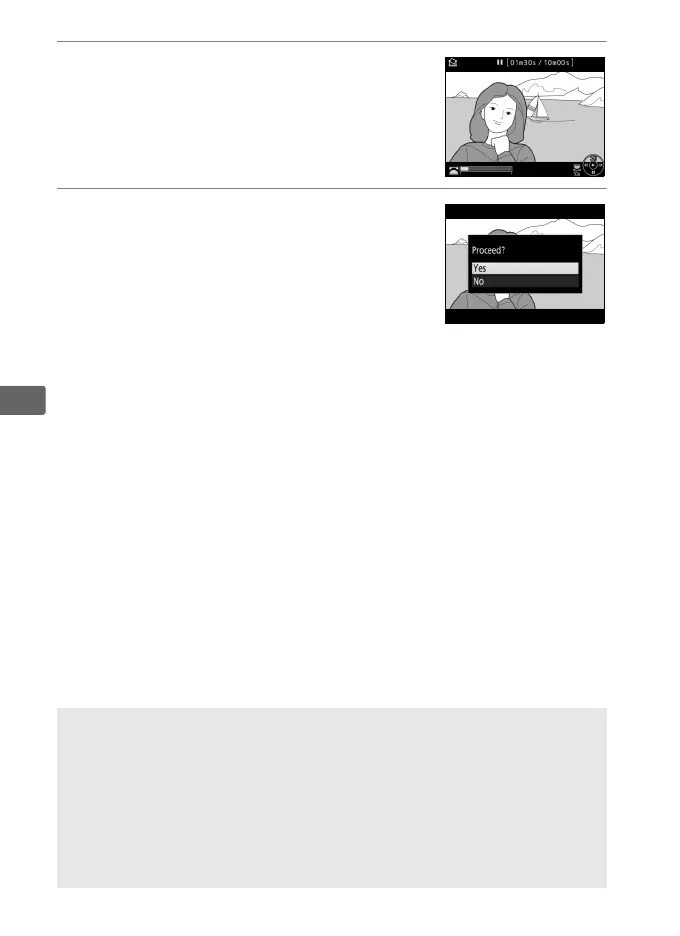
3 Create a still copy.
Press 1 to create a still copy of the
current frame.
4 Save the copy.
Highlight Ye s and press J to create a
fine★-quality (0 92) JPEG copy of the
selected frame.
A Save Selected Frame
JPEG movie stills created with the Save selected frame option can not
be retouched.
JPEG movie stills lack some categories of photo
information (0 252).
A The Retouch Menu
Movies can also be edited using the Edit movie option in the retouch
menu (0 390).



 To Next Page