91
d
❚❚ Camera Controls
1 Assign image area selection to a camera control.
Use Custom Setting f1 (Custom control assignment, 0 344)
to assign Choose image area to a control.
2 Use the selected control to choose an image area.
The image area can be selected by pressing the selected
control and rotating the main or sub-command dial until the
desired crop is displayed in the viewfinder (0 89).
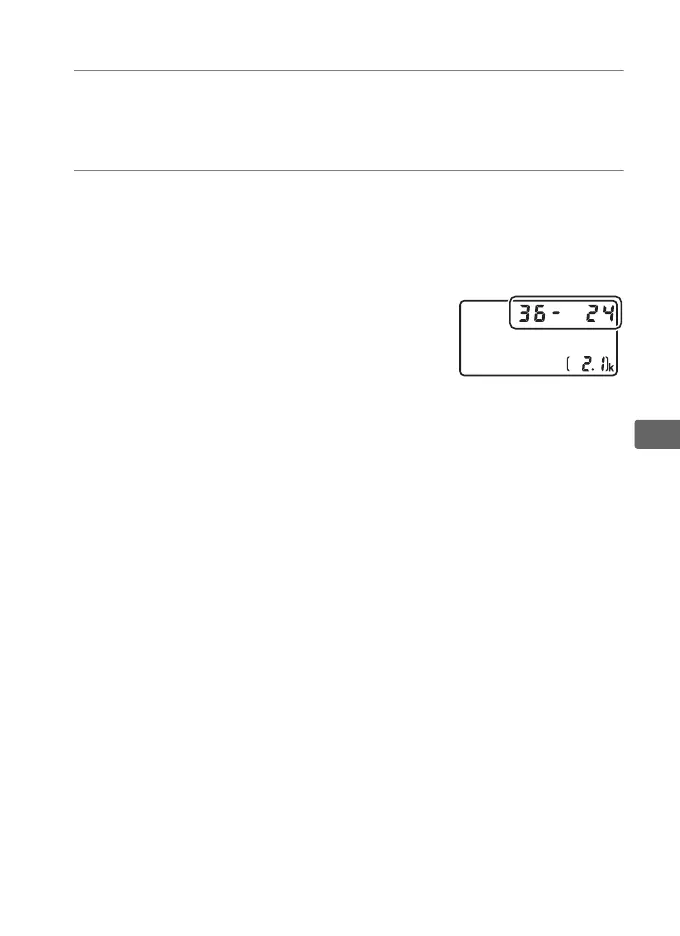
The option currently selected for image
area can be viewed by pressing the
control to display the image area in the
top control panel or information display.
FX format is displayed as “36z24”, 1.2 ×
as “30z20”, DX format as “24 z16”, a n d
5:4 as “30z24”.



 To Next Page