121
k
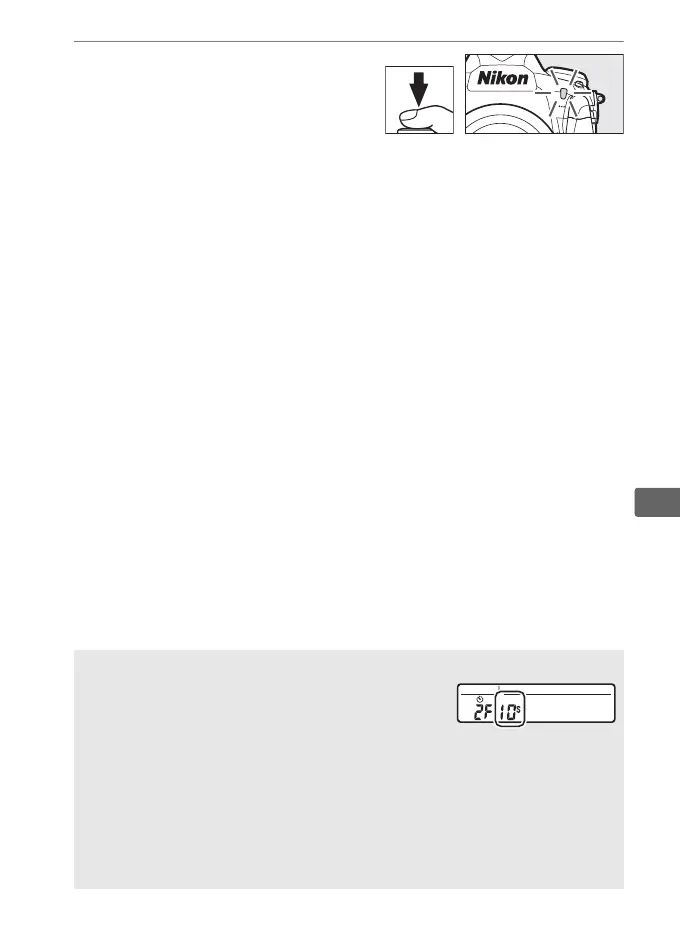
4 Start the timer.
Press the shutter-release
button all the way down to
start the timer.
The self-timer
lamp will start to flash.
Two
seconds before the photograph is taken, the self-timer lamp
will stop flashing.
The shutter will be released about ten
seconds after the timer starts.
To turn the self-timer off before a photograph is taken, turn the
release mode dial to another setting.
A Setting the Timer
To choose the timer duration, press and hold the
S button and rotate a command dial.
The timer
can be set to 20, 10, 5, or 2 seconds.
A See Also
For information on choosing the duration of the self-timer, the number
of shots taken, and the interval between shots, see Custom Setting c3
(Self-timer, 0 335).
The beeps that sound when the self-timer is used
can be controlled using the Beep option in the setup menu (0 382).



 To Next Page