186
J
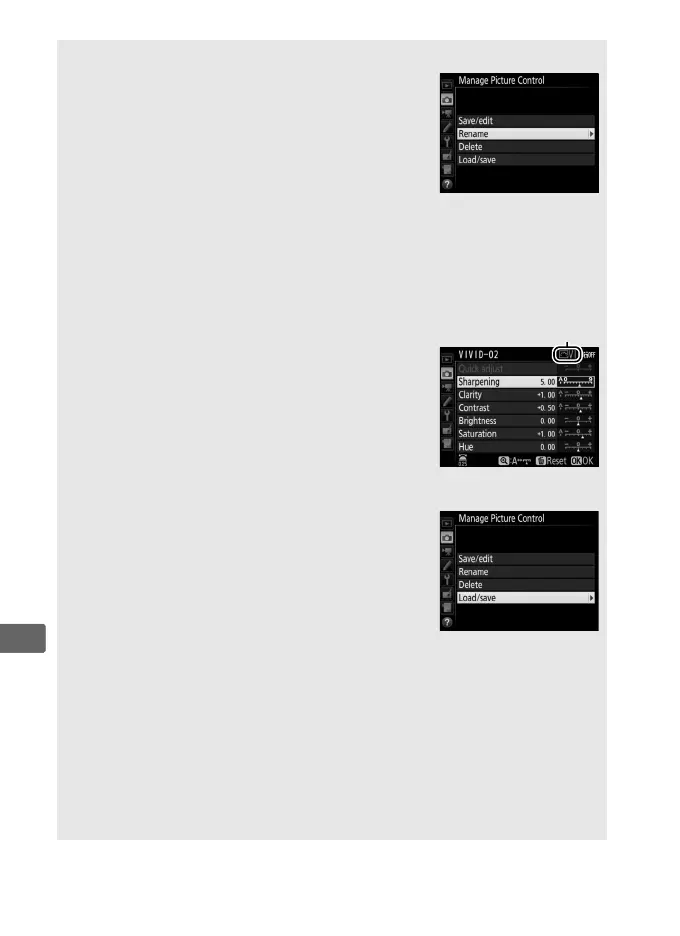
A Manage Picture Control > Rename
Custom Picture Controls can be renamed at any
time using the Rename option in the Manage
Picture Control menu.
A Manage Picture Control > Delete
The Delete option in the Manage Picture
Control menu can be used to delete selected
custom Picture Controls when they are no longer
needed.
A The Original Picture Control Icon
The original preset Picture Control on which the
custom Picture Control is based is indicated by
an icon in the top right corner of the edit display.
A Sharing Custom Picture Controls
The Load/save item in the Manage Picture
Control menu offers the options listed below.
Use these options to copy custom Picture
Controls to and from memory cards (these
options are available only with the memory card
in Slot 1 and can not be used with the card in
Slot 2).
Once copied to memory cards, Picture
Controls can be used with other cameras or compatible software.
• Copy to camera: Copy custom Picture Controls from the memory card to
custom Picture Controls C-1 through C-9 on the camera and name
them as desired.
• Delete from card: Delete selected custom Picture Controls from the
memory card.
• Copy to card: Copy a custom Picture Control (C-1 through C-9) from the
camera to a selected destination (1 through 99) on the memory card.
Original Picture
Control icon



 To Next Page