206
l
❚❚ Radio AWL
Radio AWL is available with compatible remote flash units when a
WR-R10 is attached to the camera.
1 C: Connect the WR-R10.
For more information, see the documentation provided with
the WR-R10.
2 C: Enable radio AWL.
In the photo shooting menu, select Radio AWL for Flash
control> Wireless flash options.
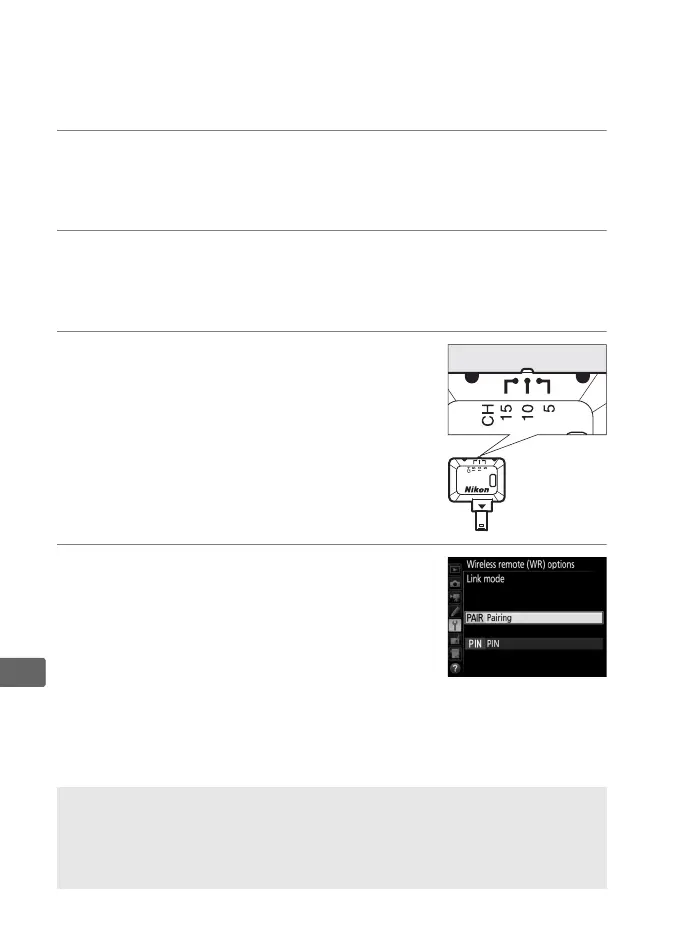
3 C: Set the WR-R10 to the desired
channel.
Set the WR-R10 channel selector to the
desired channel.
4 C: Choose a link mode.
Select Wireless remote (WR) options>
Link mode in the setup menu (0 383)
and choose from the following options:
• Pairing: Pair the flash unit with the
WR-R10.
• PIN: Connect the camera and flash unit using a four-digit PIN.
A Radio AWL
A WR-A10 adapter is required when using the WR-R10.
Be sure to
update the WR-R10 firmware to the latest version; for information on
firmware updates, see the Nikon website for your area.



 To Next Page