272
e
❚❚ Manual Recording
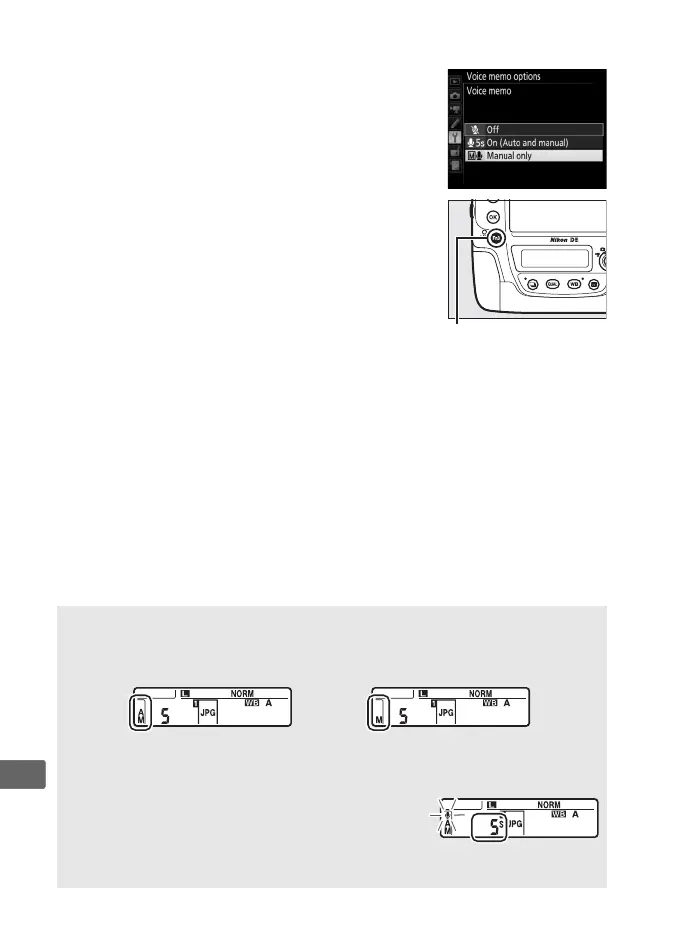
To enable manual voice memo recording,
select Voice memo for Custom Setting f1
(Custom control assignment) > Fn3 button
(0 344, 349) and choose Manual only for
Voice memo options > Voice memo in the
setup menu (0 380).
You can then press and
hold the Fn3 button at any time to record a
voice memo and add it to the most recent
photograph (note that no memo will be
recorded if the button is not held down for at
least one second).
A Voice Memo
The option selected for Voice memo is indicated by an icon in the rear
control panel.
On (Auto and manual) Manual only
A During Recording
During recording, the C icon in the rear control
panel will flash.
A countdown timer in the rear
control panel shows the length of the voice
memo that can be recorded (in seconds).



 To Next Page