364
U
❚❚ Press + Command Dials
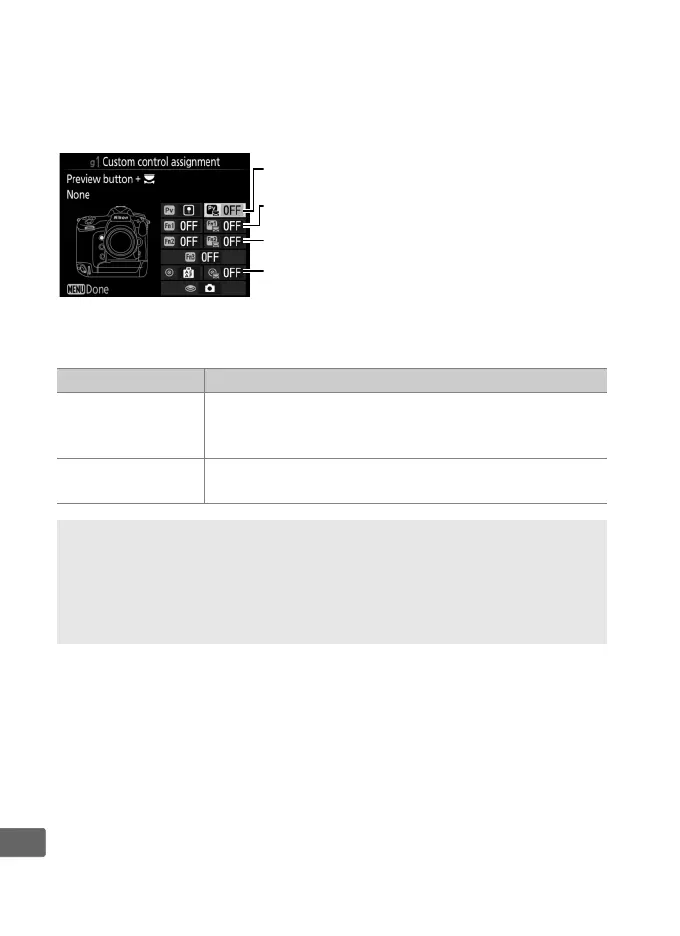
To choose the roles played by the following controls in
combination with the command dials, highlight an option and
press the center of the multi selector:
The following functions can be performed by pressing these
controls and rotating a command dial:
Option Description
J
Choose image
area
At a movie frame size of 1920 × 1080, you can press
the control and rotate a command dial to select the
image area (0 70).
None
No operation is performed when the command dials
are rotated while the control is pressed.
A Choose Image Area
When Choose image area is selected, the control can be used in
combination with the command dials to cycle from FX-based movie
format to DX-based movie format to a 1920 × 1080 crop.
The image
area can not be changed during shooting.
1
Pv button + y
y
Fn2 button + y
w
Fn1 button + y
9
Sub-selector center + y



 To Next Page