431
n
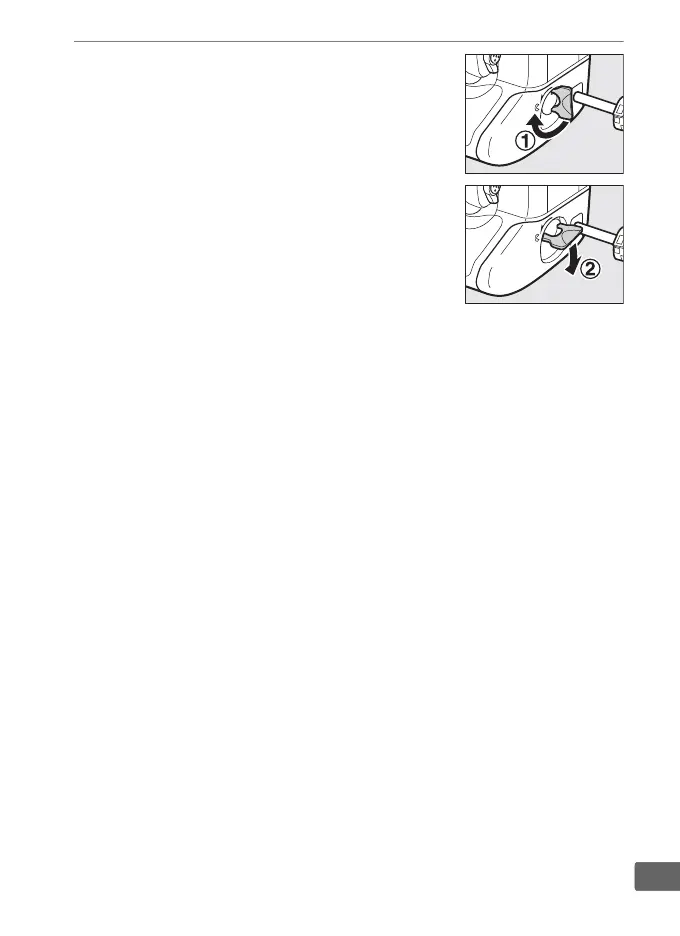
4 Latch the power connector.
Rotate the latch to the closed position
(q) and fold it down as shown (w).
To
prevent the power connector being
dislodged during operation, be sure that
it is securely latched.
The battery level is not displayed in the
top control panel while the camera is
powered by the AC adapter and power
connector.



 To Next Page