47
x
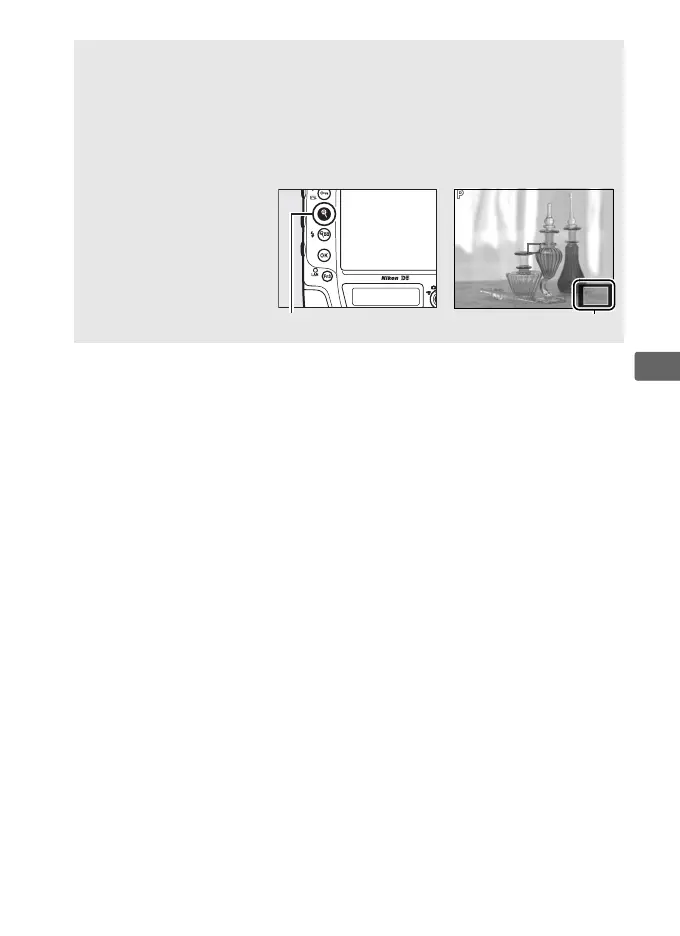
A Live View Zoom Preview
Press the X button to magnify the view in the monitor up to a maximum
of about 11×.
A navigation window will appear in a gray frame at the
bottom right corner of the display.
Use the multi selector to scroll to
areas of the frame not visible in the monitor, or press W (M) to zoom
out.
X button Navigation window



 To Next Page