62
y
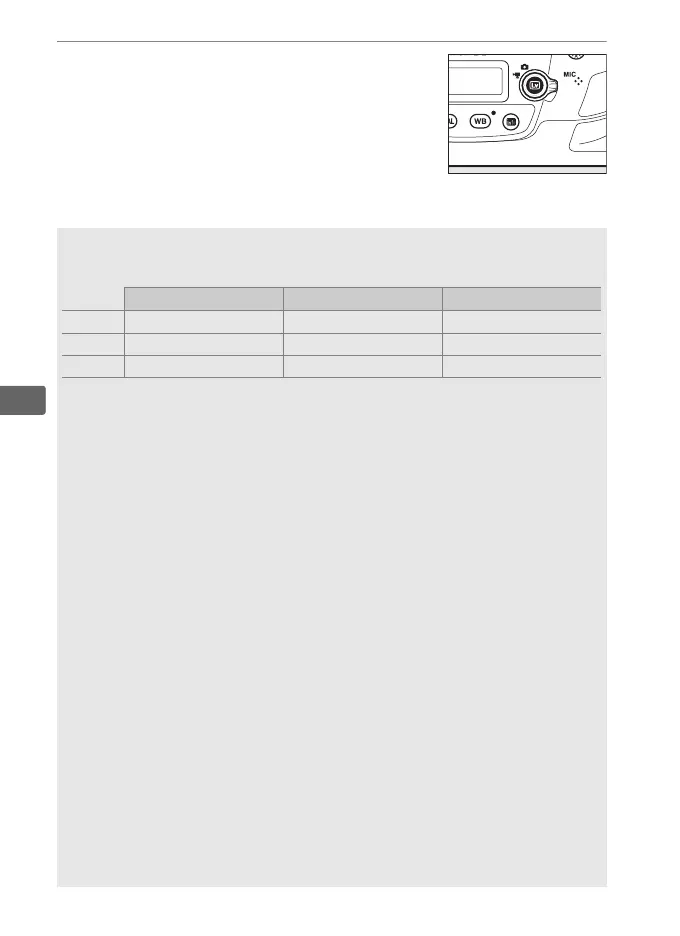
8 Exit live view.
Press the a button to exit live view.
A Exposure Mode
The following exposure settings can be adjusted in movie mode:
Aperture Shutter speed ISO sensitivity
P, S — — —
1
A ✔ — —
1
M ✔ ✔ ✔
2
1 The upper limit for ISO sensitivity can be selected using the Movie ISO
sensitivity settings > Maximum sensitivity option in the movie
shooting menu (0 318).
2If On is selected for Movie ISO sensitivity settings > Auto ISO control
(mode M) in the movie shooting menu, the upper limit for ISO sensitivity
can be selected using the Maximum sensitivity option.
In exposure mode M, shutter speed can be set to values between
1
/25 s and
1
/8000 s (the slowest available shutter speed varies with the
frame rate; 0 67).
In other exposure modes, shutter speed is adjusted
automatically.
If the subject is over- or under-exposed in mode P or S,
end live view and start live view again or select exposure A and adjust
aperture.
A See Also
The role played by the center of the multi selector can be chosen using
Custom Setting f2 (Multi selector center button; 0 355) and the roles
of the Fn1, Fn2, Fn3 and Pv buttons and the center of the sub-selector
using Custom Setting g1 (Custom control assignment; 0 360).
Custom Setting g1 (Custom control assignment) > Shutter-release
button (0 360) controls whether the shutter-release button can be
used to start live view, or to start and end movie recording, or (when
pressed all the way down) to take photographs during movie recording.
For information on preventing unintended operation of the a button,
see Custom Setting f8 (Live view button options; 0 359).



 To Next Page