82
❚❚ NEF (RAW) Bit Depth
To choose a bit depth for NEF (RAW) images, highlight NEF
(RAW) recording > NEF (RAW) bit depth in the shooting menu
and press 2.
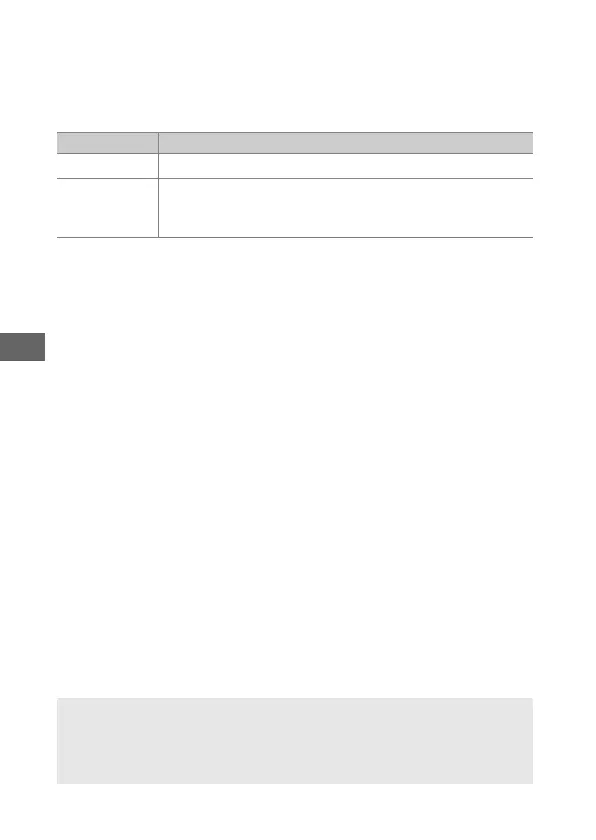
Option Description
q
12-bit NEF (RAW) images are recorded at a bit depth of 12 bits.
r
14-bit
NEF (RAW) images are recorded at a bit depth of 14 bits,
producing files larger than those with a bit depth of
12 bits but increasing the color data recorded.
A See Also
See page 83 for the image size options available for JPEG and TIFF
images, page 85 for the image size options available for NEF (RAW)
images.



 To Next Page