165
6 Measure white balance.
Press the center of the multi selector
or press the shutter-release button all
the way down to measure white
balance.
The time available to
measure white balance is that
selected for Custom Setting c4
(Monitor off delay)> Live view
(0 320).
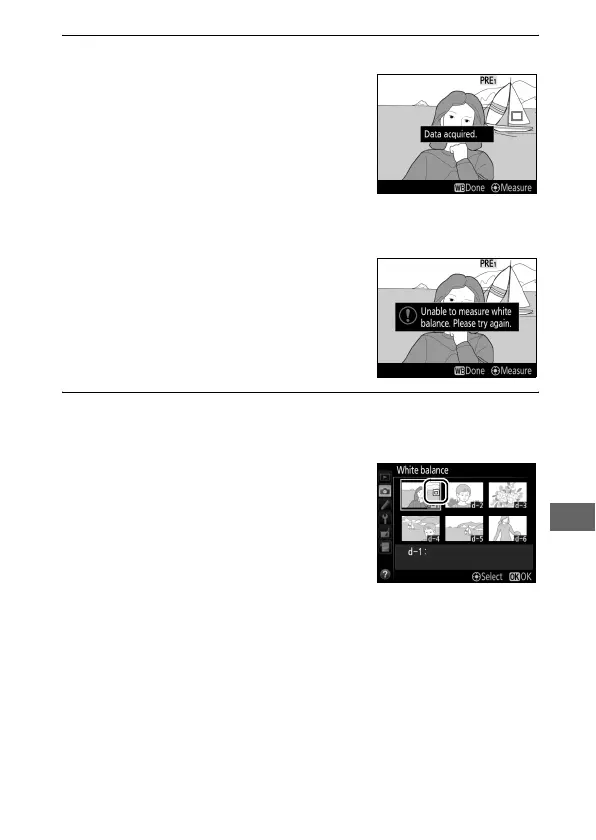
If the camera is unable to measure
white balance, the message shown at
right will be displayed.
Choose a new
white balance target and repeat the
process from Step 5.
7 Exit direct measurement mode.
Press the U button to exit direct measurement mode.
When Preset manual is selected for
White balance in the shooting
menu, the position of the target used
to measure preset manual white
balance will be displayed on presets
recorded during live view
photography and movie live view.



 To Next Page