213
5 Frame a photograph, focus, and shoot.
In continuous release modes (0 102), the camera
records all exposures in a single burst.
If On
(series) is selected, the camera will continue to
record multiple exposures while the shutter-release button is
pressed; if On (single photo) is selected, multiple exposure
shooting will end after the first photograph.
In self-timer
mode, the camera will automatically record the number of
exposures selected in Step 3 on page 211, regardless of the
option selected for Custom Setting c3 (Self-timer)>
Number of shots (0 319); the interval between shots is
however controlled by Custom Setting c3 (Self-timer)>
Interval between shots.
In other release modes, one
photograph will be taken each time the shutter-release
button is pressed; continue shooting until all exposures have
been recorded (for information on interrupting a multiple
exposure before all photographs are recorded, see page 214).
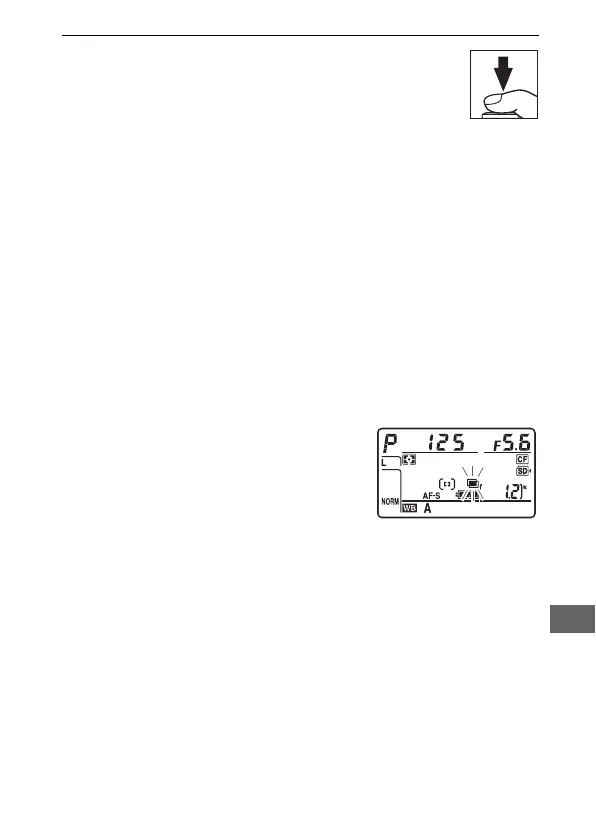
The n icon will flash until shooting
ends.
If On (series) is selected,
multiple exposure shooting will only
end when Off is selected for multiple
exposure mode; if On (single photo)
is selected, multiple exposure shooting ends automatically
when the multiple exposure is complete.
The n icon clears
from the display when multiple exposure shooting ends.



 To Next Page