225
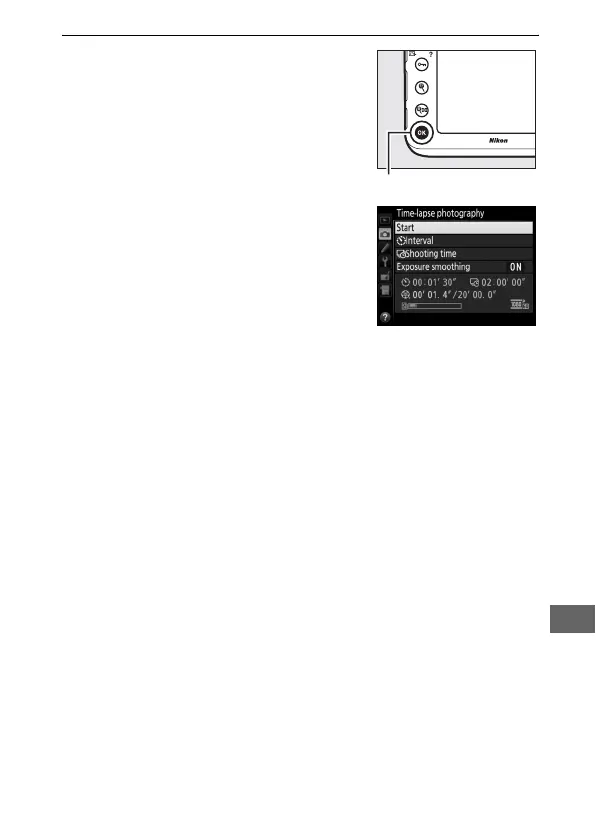
3 Start shooting.
Highlight Start and press J. Time-
lapse photography starts after about
3s.
The camera takes photographs at
the selected interval for the selected
shooting time.
When complete, time-lapse movies
are recorded to the memory card
selected for Movie settings >
Destination (0 63).
❚❚ Ending Time-Lapse Photography
To end time-lapse photography before all the photos are taken,
highlight Off in the time-lapse photography menu and press J,
or press J between frames or immediately after a frame is
recorded.
A movie will be created from the frames shot to the
point where time-lapse photography ended.
Note that time-
lapse photography will end and no movie will be recorded if the
power source is removed or disconnected or the destination
memory card is ejected.
J button



 To Next Page