PROPlus / PRO Series Automated Dispensing Systems
124 www.nordsonefd.com info@nordsonefd.com +1-401-431-7000 Sales and service of Nordson EFD dispensing systems are available worldwide.
Jet Step
Click Function
Double-click
address and
select from drop-
down menu
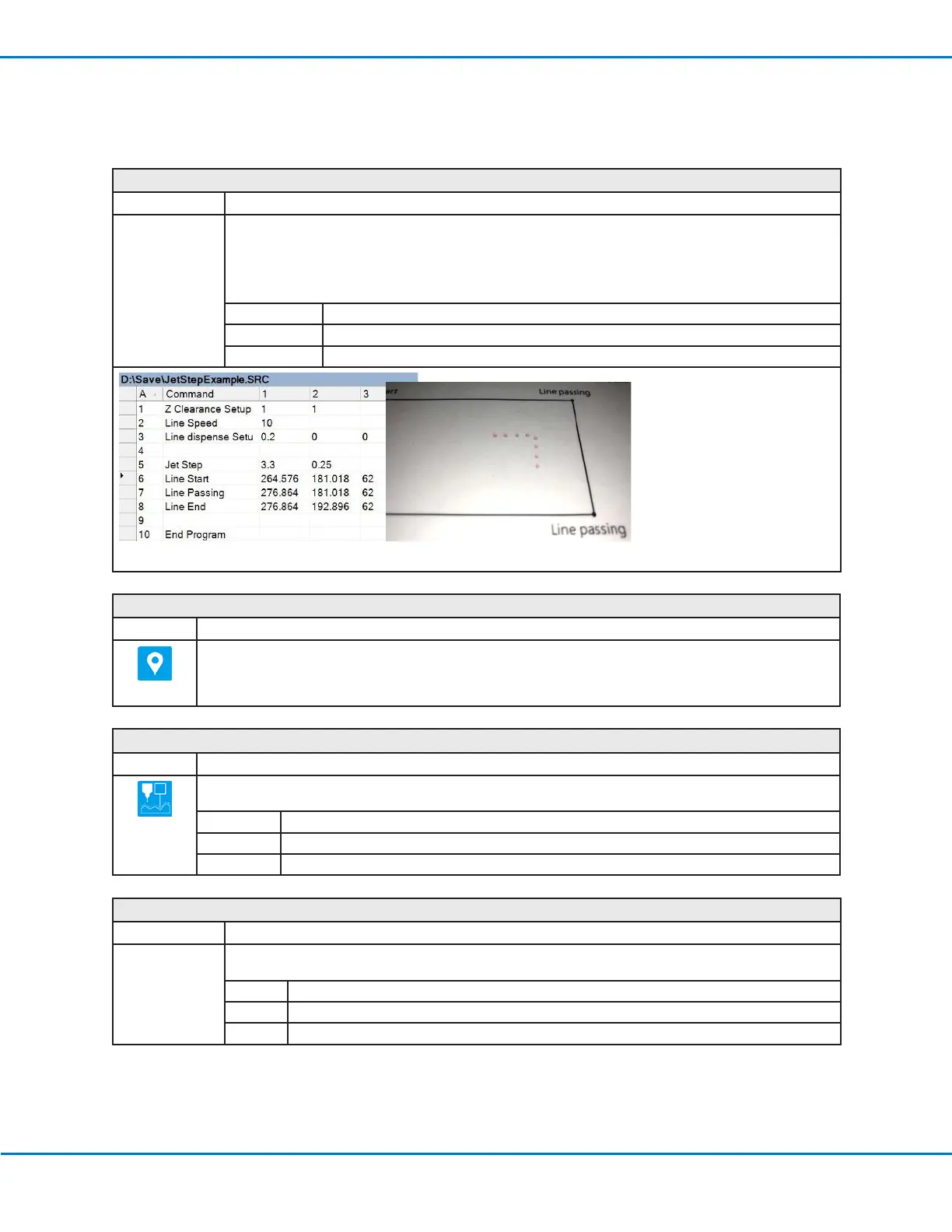
Used in tandem with a Line Start and Line End command to cause the system to dispense a stitched series
of dots between the commands at the specified length (Jet Step) and for the specified amount of time (Pulse
Width). This command is useful for jetting applications in which extremely quick dispensing is required.
NOTE: For PICO jet dispensing, this command can be used with Line Start and Line Stop commands to
create a stitched pattern. An example program and resulting pattern are shown below.
Parameter Description
Jet Step The distance (inmm) between the stitched dots.
Pulse Width How long the dispenser stays open (in ms) for each deposited dot.
Example of a stitching program using the Jet Step command for a PICO jet valve
Label
Click Function
Registers a numeric label that can be used as a reference in the Goto Address, Goto Label, Loop Address, Step
& RepeatX, Step & Repeat Y, and Call Subroutine commands. Using a Label is a good alternative to using an
address number because a Label does not change when commands are inserted or removed. A maximum of 64
labels is allowed per program; each label can have up to 8 numbers.
Laser Adjust (for Lines)
Click Function
Adjusts the program (from one workpiece to another) for any height changes along a line on a workpiece. The line
path for the system to measure is specified using the Laser Detect On/Off commands. Refer to Laser Detect.
Setting Description
1 Turns Laser Adjust ON.
0 Turns Laser Adjust OFF.
Laser Average
Click Function
Double-click
address and
select from drop-
down menu
Measures the heights of the objects on a line path (as specified by toggling this command on or off) and
provides an average of the heights.
Setting Description
1 Turns Laser Average ON.
0 Turns Laser Average OFF.
Appendix A, Command Function Reference
(continued)



 To Next Page