PROPlus / PRO Series Automated Dispensing Systems
46 www.nordsonefd.com info@nordsonefd.com +1-401-431-7000 Sales and service of Nordson EFD dispensing systems are available worldwide.
Setting Password Protection
Use the Password portion of the System Setup screen to set or reset a password. The purpose of a password is to
protect the system settings from unauthorized editing.
NOTES:
• The default is no password protection.
• If the password is forgotten, contact your Nordson EFD representative for assistance.
• A password is limited to 16 numbers or characters.
# Click Step
1
>
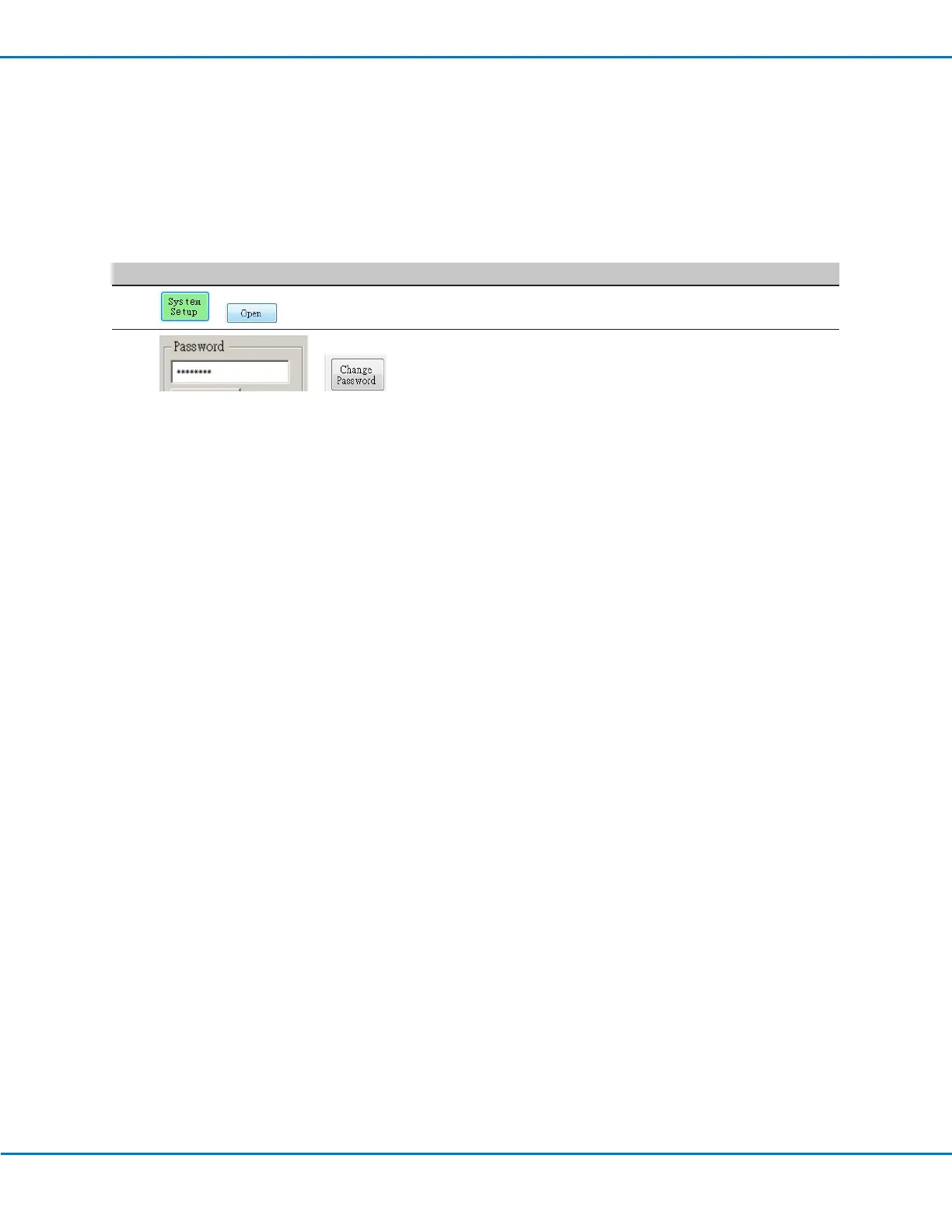
• Click SYSTEM SETUP > OPEN.
2
>
• Under Password, enter a password or make the field blank to
remove a password, then click CHANGE PASSWORD.
The system confirms and immediately implements the
password change:
- If a password was entered, the system will prompt for the
password before opening the System Setup screen.
- If the Password field was blank, no password will be required
to open the System Setup screen.



 To Next Page