PROPlus / PRO Series Automated Dispensing Systems
64 www.nordsonefd.com info@nordsonefd.com +1-401-431-7000 Sales and service of Nordson EFD dispensing systems are available worldwide.
How to Create and Run a Program
# Click Step
7
• Click END PROGRAM to end the program.
8
or
• Click VIEW or RUN to test the program and make adjustments until the
program runs correctly.
NOTE: VIEW runs a program by tracing it with the camera, without
dispensing fluid. RUN runs the actual program, including dispensing.
9
>
• Click A NEW FILE.
• Click SAVE. If the file is not already named, enter a name for the file.
• Click YES/OK when prompted for confirmations.
How to Add Comments to a Program
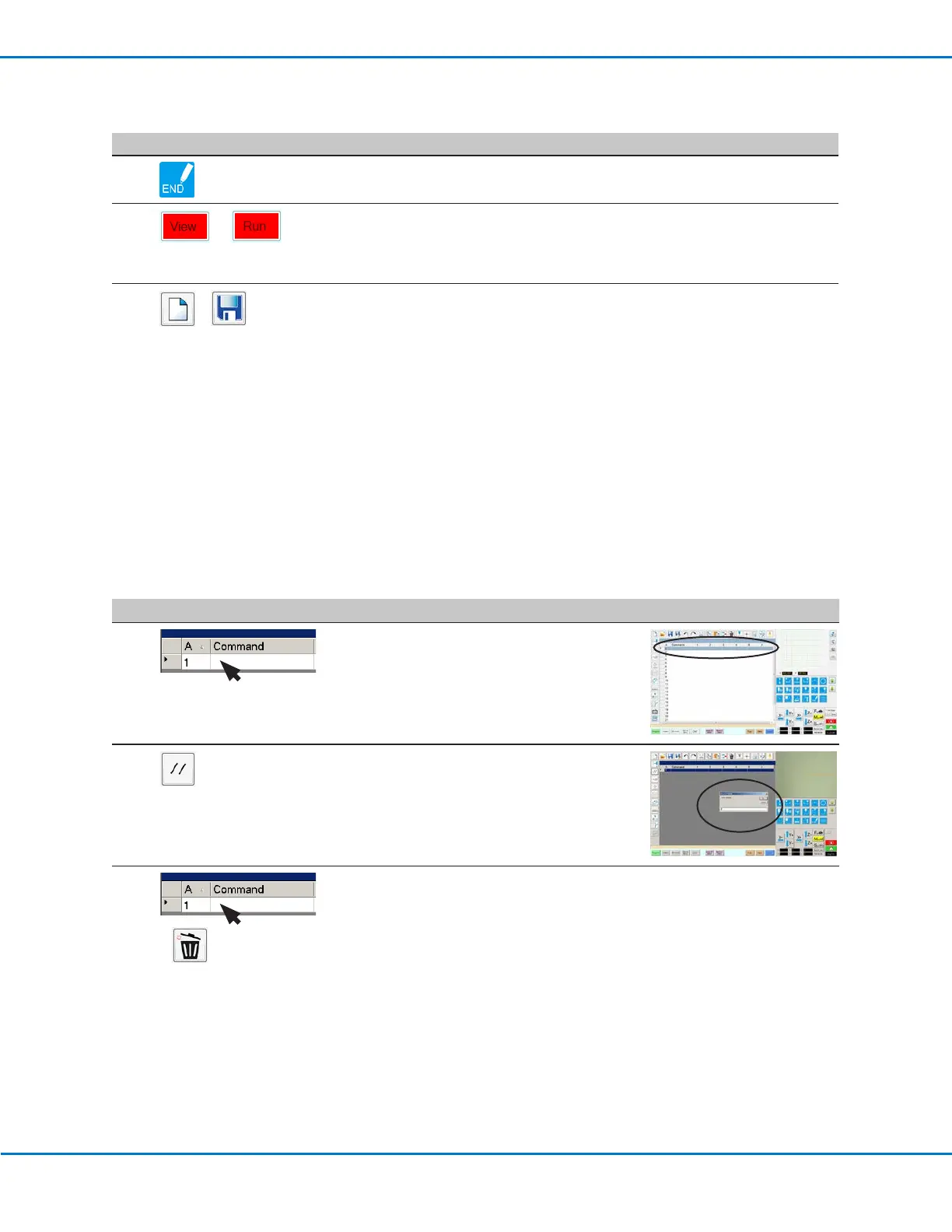
You can add your own comments to any command address line in a program.
PREREQUISITES
The program you want to add comments to is open.
#
Click Step Reference Image
1
• Select a blank command address line.
NOTE: Comments must be entered on a
blank line. If you try to enter a comment on a
line that includes a command, you will disable
the command.
2 • Click DISABLE ADDRESS.
• Enter your comment in the Enter Comment
window.
• Click OK to save.
3
>
• To delete a comment, select the comment
and then click DELETE.



 To Next Page