PROPlus / PRO Series Automated Dispensing Systems
58 www.nordsonefd.com info@nordsonefd.com +1-401-431-7000 Sales and service of Nordson EFD dispensing systems are available worldwide.
Configuring Input / Outputs for a Special Purpose
The IO Pin Function feature provides a set of user-configurable conditions that affect the operation of the robot.
Refer to “AppendixG, I/O Pin Function Setup” on page153.
Setting Up Inputs / Outputs
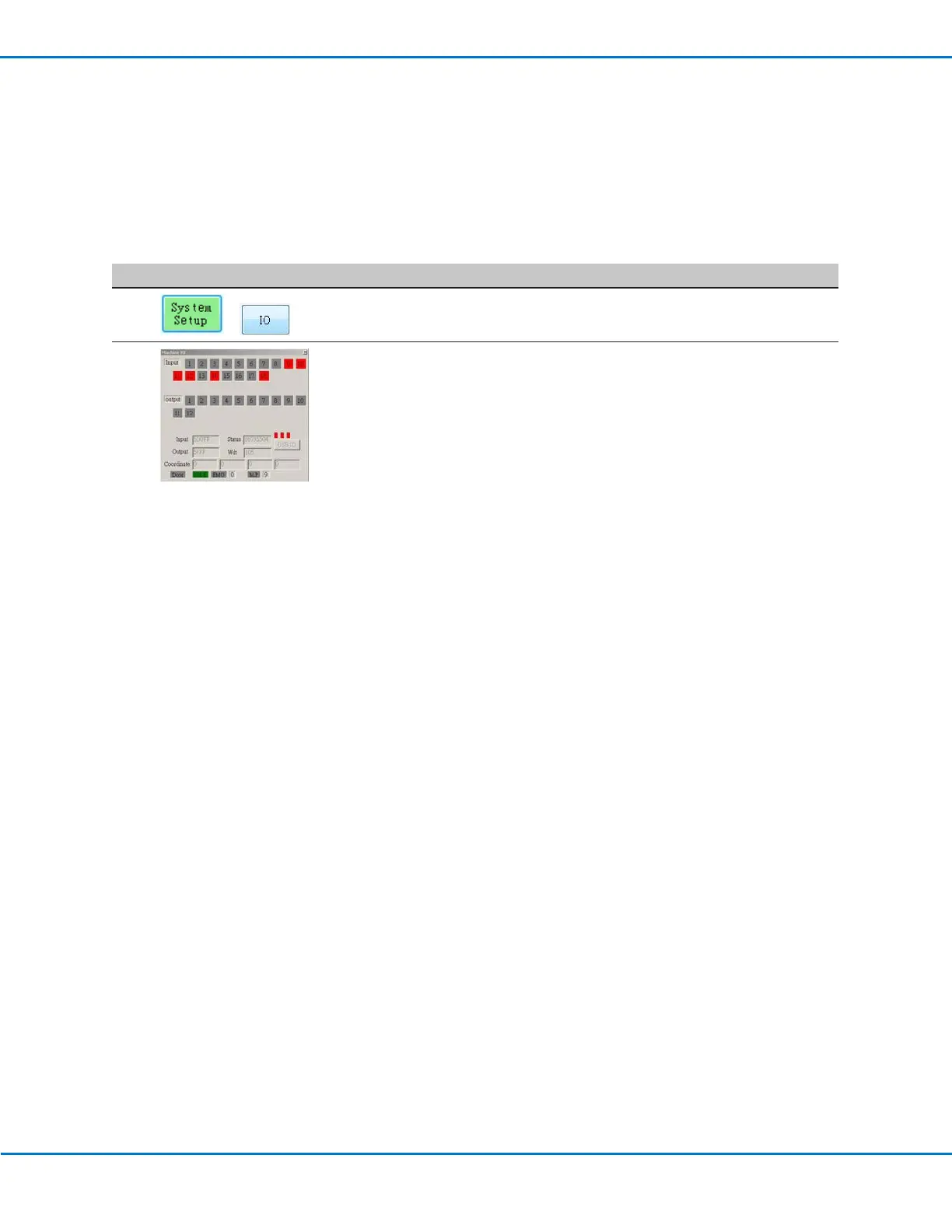
If you connected inputs / outputs, follow this procedure to test input / output connections.
NOTE: All automated dispensing systems provide 8 standard inputs and 8 standard outputs. A kit to expand to
16inputs and 16 outputs is available. Refer to “Accessories” on page100.
PREREQUISITES
The system is properly installed and set up. Refer to “Installation” on page18 and “Setup” on page43.
Input / output wiring is properly connected. Refer to “I/O Port” on page106 for wiring diagrams.
#
Click Step
1
>
• Click SYSTEM SETUP > IO.
2
• Click the outputs you want turn ON or OFF, then click the X to close the
window.
NOTES:
• Inputs flash red when they are turned ON.
• Use only inputs / outputs 1 through 8. The remaining I/Os are reserved for
the system.



 To Next Page