Call Outbox
129
Deleting calls from your Call Outbox
To delete calls from your Call Outbox:
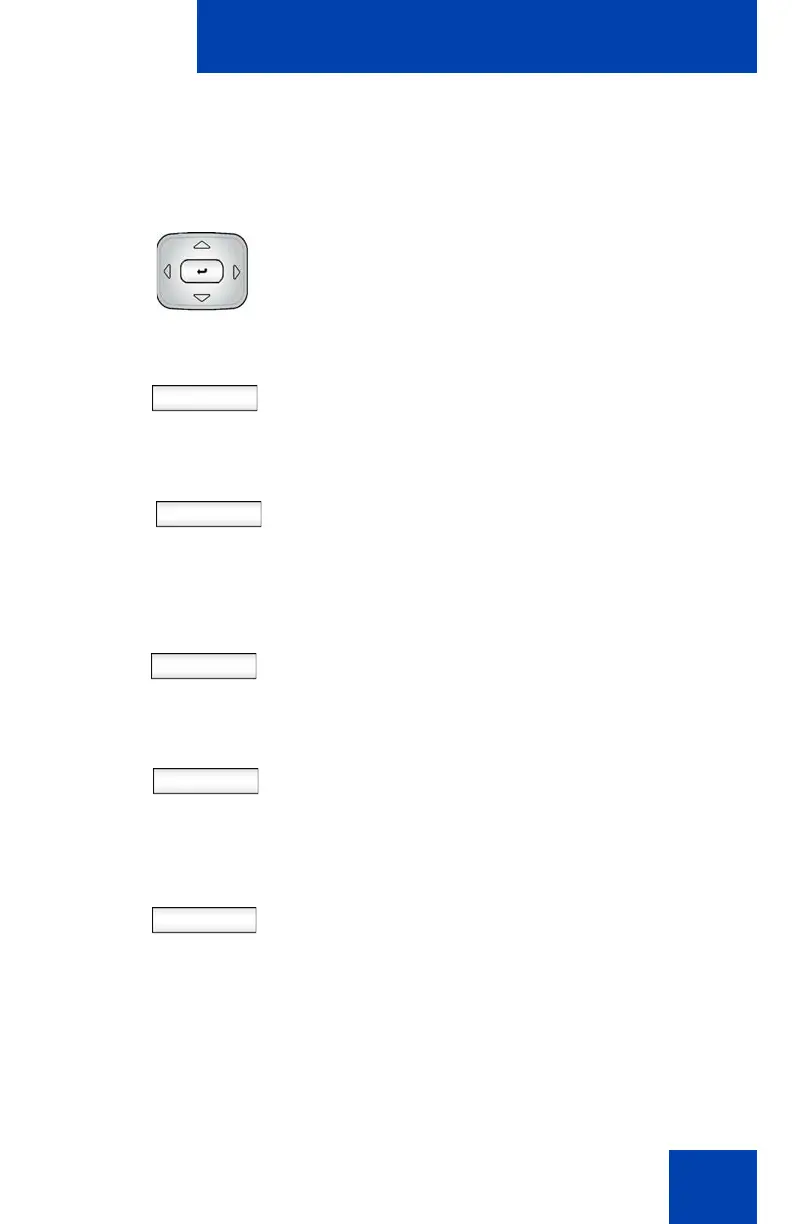
1. Press the Up/Down navigation key to
highlight a call from the list of calls in
your Call Outbox.
Delete 2. Press the Delete Context-sensitive soft
key.
Yes
AllUsr
All
No
3. Select one of the following Context-
sensitive soft keys:
—Press the Yes Context-sensitive soft
key to delete the highlighted call.
— Press the AllUsr Context-sensitive
soft key to delete all the calls from
the selected caller.
— Press the All Context-sensitive soft
key to clear all calls from the Call
Outbox.
— Press the No Context-sensitive soft
key to return to the Outbox.

















 To Next Page