About the Nortel IP Phone 1140E
20
Context-sensitive soft keys
Your IP Phone 1140E has four Context-sensitive soft keys beneath the
LCD screen. The Context-sensitive soft keys access different features
and menus depending on the state of the phone and the menu you
access.
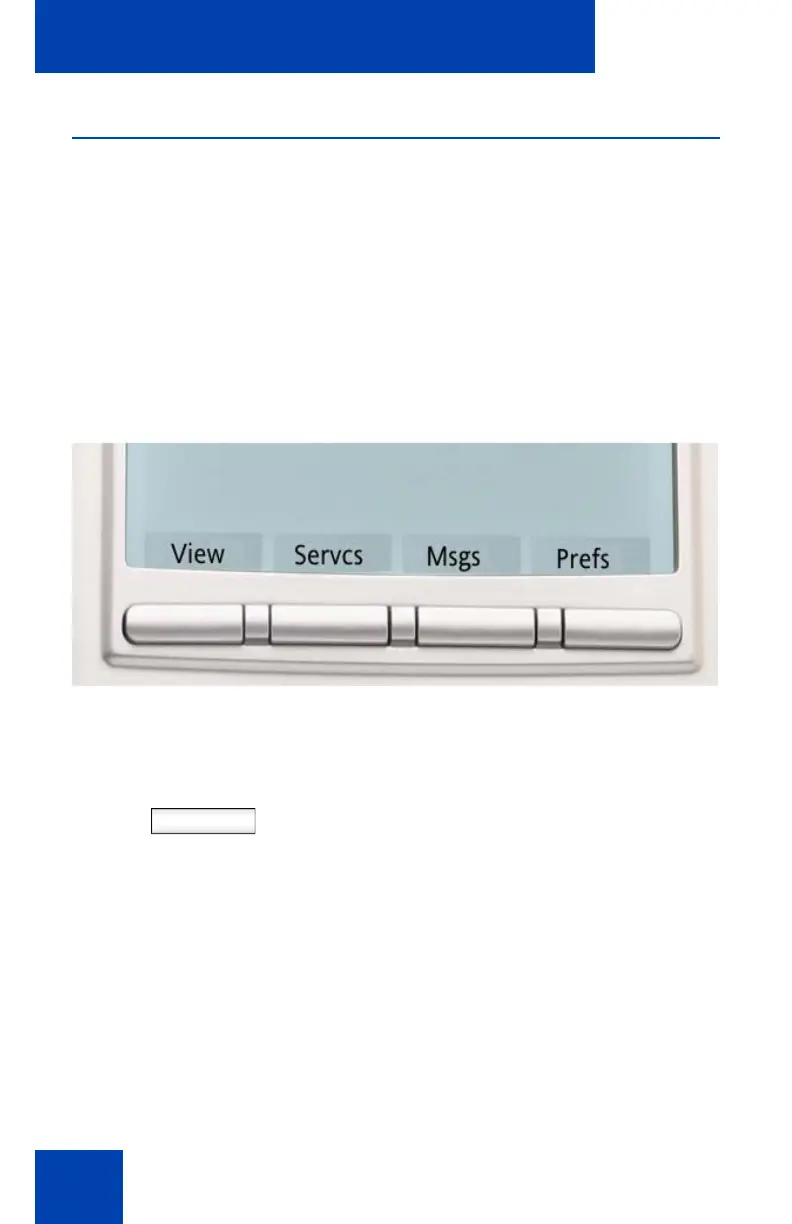
Idle state Context-sensitive soft keys
When your phone is an in the idle state you can access the following
menu items from the Context-sensitive soft keys:
Figure 4: Idle state Context-sensitive soft keys
Table 1: Context-sensitive soft keys for screen in the idle state
View Press the View Context-sensitive soft key to
access the following menu items:
1. Friends - a list of friends
2. Address Book - personal directory
3. Inbox - a list of received phone calls
4. Outbox - a list of dialed phone calls
5. Phone Information - information about
the hardware and software of the
IP Phone 1140E

















 To Next Page