Additional features
183
Configuring Privacy settings
You may want to restrict caller information coming to the phone or caller
information leaving the phone. You can restrict either the name, number
or both from appearing on the screen.
Incoming call privacy
To restrict the information for incoming calls to your phone, press the
Prefs Context-sensitive soft key, select Misc Options, and Incoming
Privacy from the menu.
To configure Incoming Call Privacy:
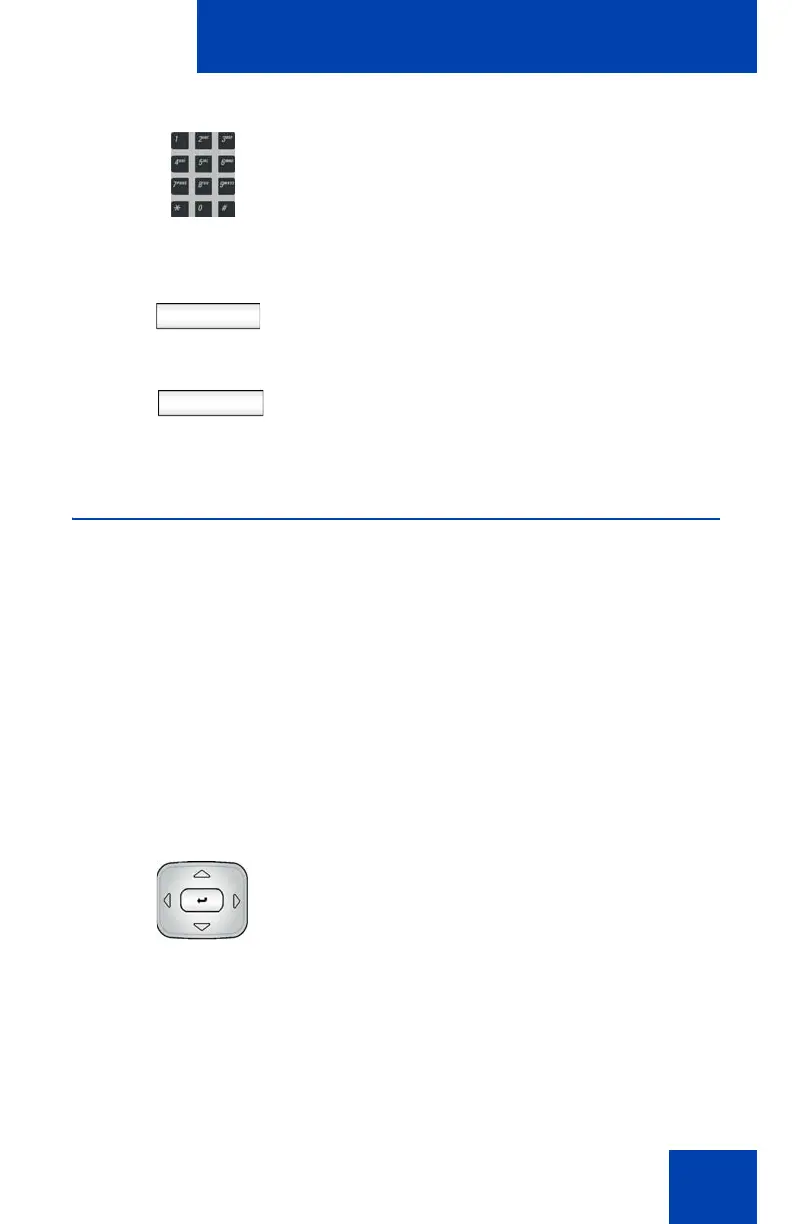
2. Use the Dialpad to enter a new
Presence state message.
Ok
Back
3. Press the OK Context-sensitive soft key
to confirm the entry and complete the
procedure.
or
Press the Back Context-sensitive soft
key to return to the previous step.
1. Press the Up/Down navigation key to
highlight one of the following:
— 1. None (no restriction)
— 2. Name (restricts only the name)
— 3. Address (restricts only the
address)
— 4. All (restricts name and number)

















 To Next Page