Accessing the IP Phone 1140E
46
Selecting a language
Your IP Phone 1140E has the capacity to operate using other languages,
such as French. The phone may be provisioned with up to five languages
by the system administrator. If the phone is provisioned with other
languages, you can choose an available language during the login
process by pressing the Lang Context-sensitive soft key from the User
Login screen.
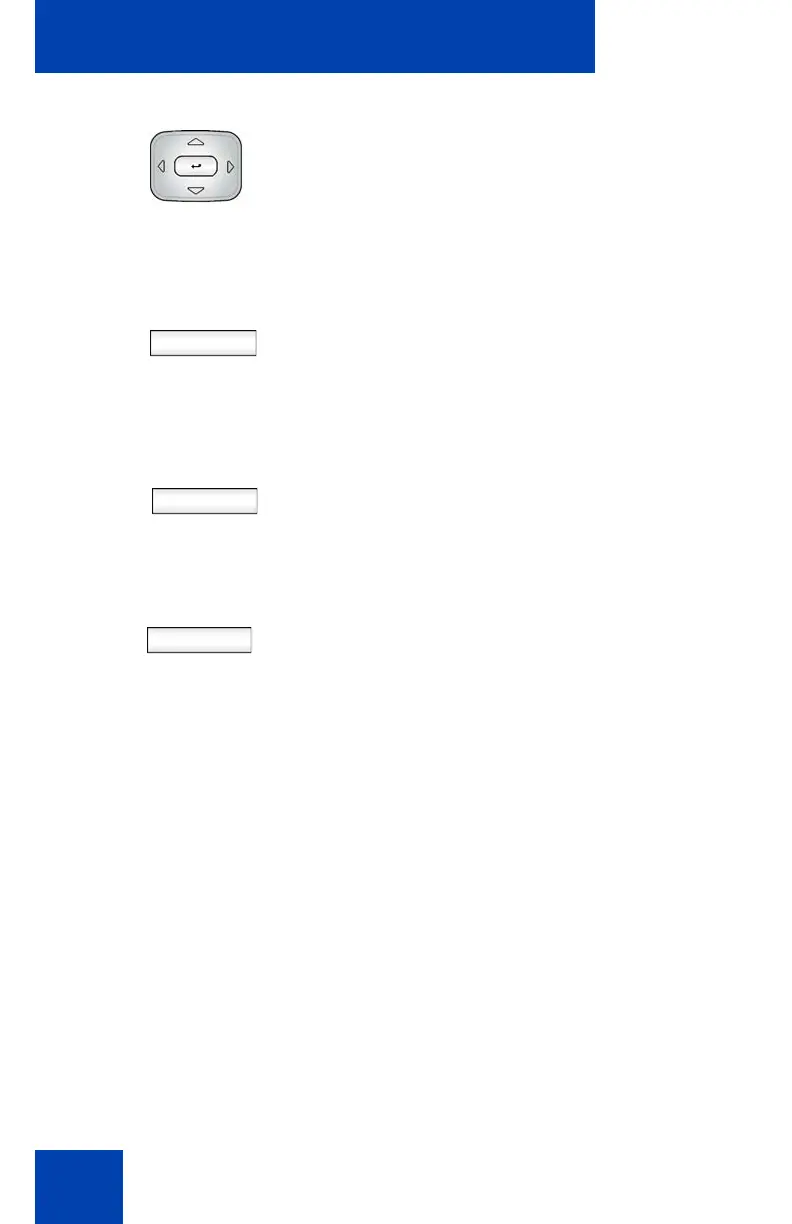
2. Press the Up/Down navigation key to
highlight the new domain you want to
use.
Select
Back
3. Choose one of the following:
— Press the Select Context-sensitive
soft key to change the domain to the
highlighted domain from the list. The
phone returns to the Current Domain
display screen and the new domain
appears.
— Press the Back Context-sensitive
soft key to keep existing
configurations and return to the
Display menu.
Done 4. Press the Done Context-sensitive soft
key to confirm the new domain and
return to the User Login screen.

















 To Next Page