While on an active call
143
Placing a call On Hold
Use the Hold feature when you are talking to one contact and want to
perform another action, such as answer a new incoming call, transfer a
call, or initiate a new call. You can have a number of calls on hold at the
same time.
To place a call on hold:
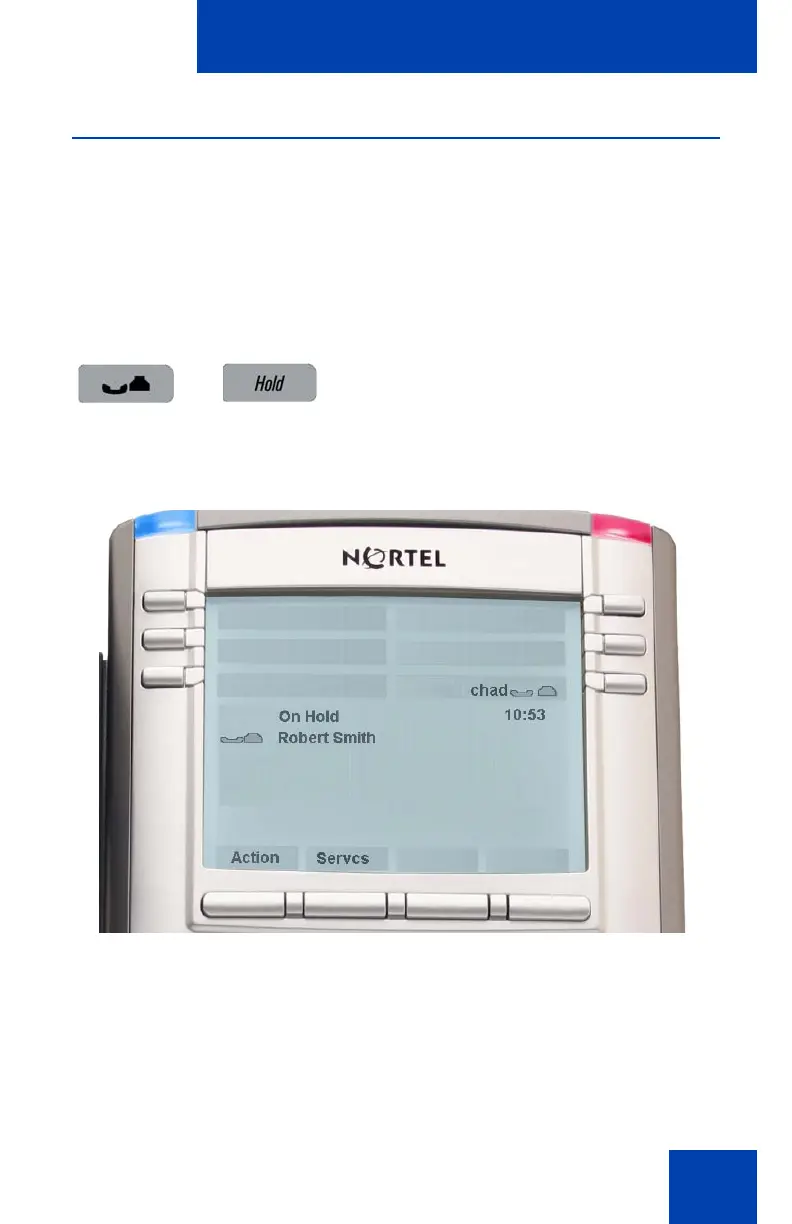
Figure 21: Call On Hold
Press the Hold fixed key. The LCD on hold
icon flashes beside the line on hold.

















 To Next Page