About the Nortel IP Phone 1140E
28
Using a USB Mouse
The IP Phone 1140E is equipped with a USB port, to which you can
connect a USB mouse. You can use the USB mouse to activate context-
sensitive soft keys items and activate menu items.
You left click on a context-sensitive soft key label of the LCD screen to
activate that item. When a menu is open double-click on the menu item to
activate that menu item or left-click on the item to highlight it. For
example, you can left click on the View context-sensitive soft key label to
open that menu. Next to view the Inbox double-click on the word Inbox in
the menu list. You can double-click on a name in the Inbox list to initiate a
call or left-click the item to highlight the name and continue to interact with
the menu item.
To access the Network menu right-click anywhere on the LCD screen of
your IP Phone 1140E.
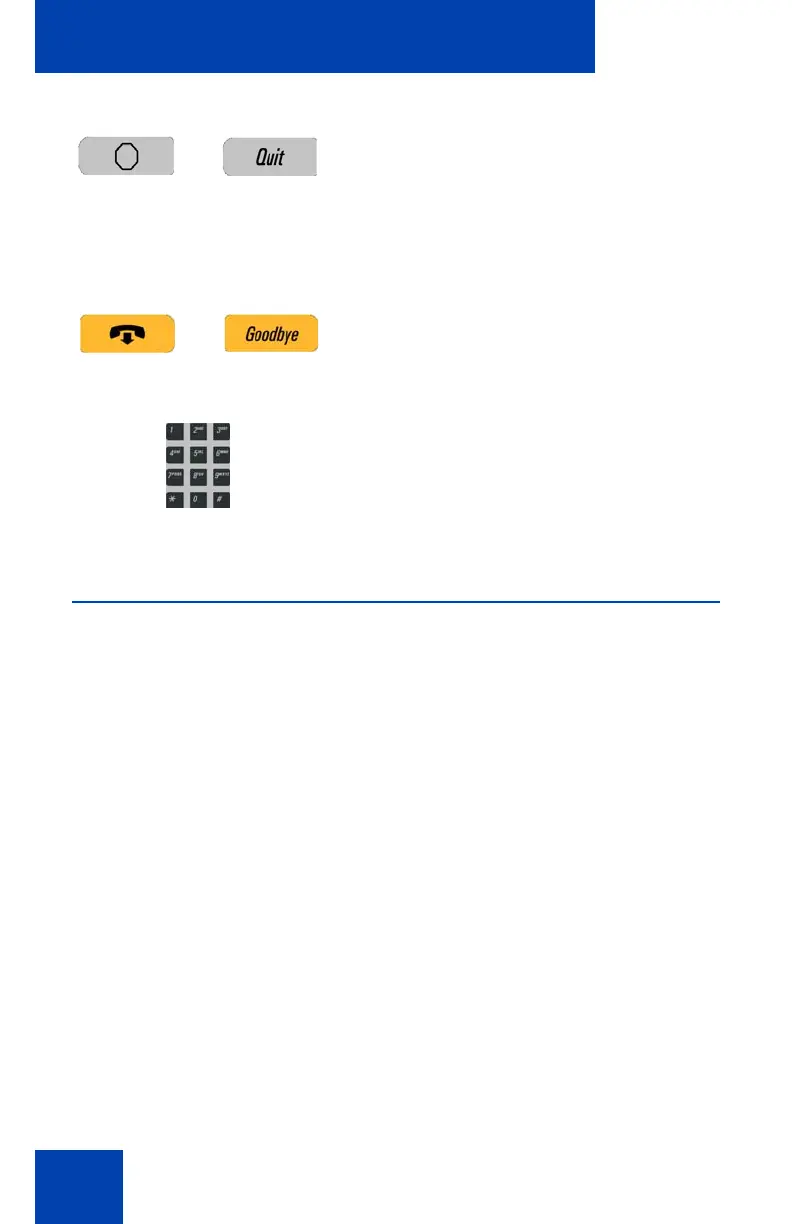
Press the Quit key to cancel a current on-
screen operation or exit a menu.
Note 1: Pressing the Quit key does not
affect the status of an active call while
navigating a menu.
Note 2: You can press the Goodbye key
to exit a menu, but if you press the
Goodbye key during an active call, the
call terminates.
You can navigate to an item in a menu by
pressing the corresponding number on the
dialpad and then activate the item or
continue navigating the list of items.

















 To Next Page