About the Nortel IP Phone 1140E
27
— Change the slide adjustment from
left to right when you adjust such
things as contrast or volume.
Press the left side of the Navigation Key
Cluster to erase a character (backspace)
when you enter and edit text.
Press the right side of the Navigation Key
Cluster to create a space when you enter
and edit text
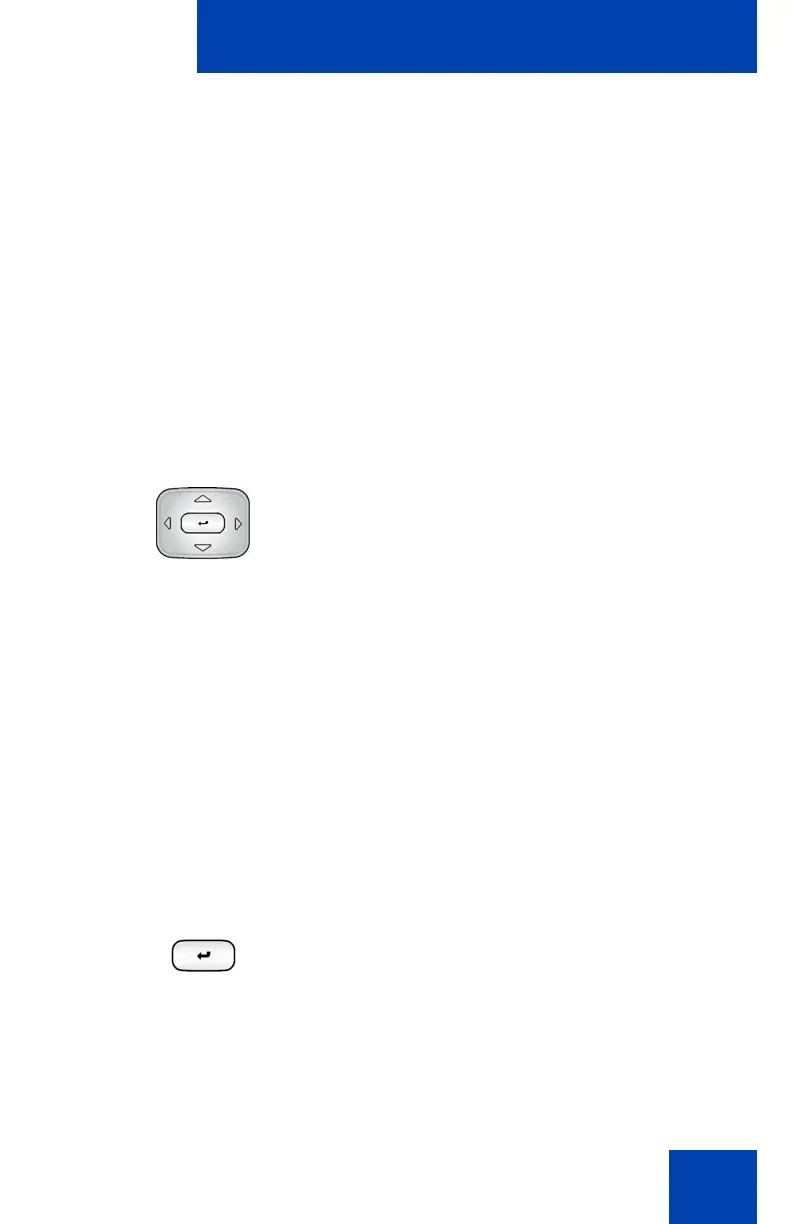
Navigation Key Cluster
Press the up/down part of the Navigation
Key Cluster to:
— Move the highlight up and down
from one item to another item in a
list such as Address Book entries or
items in your Call Inbox.
— Scroll lists and message contents
when you view IMs.
— Move the cursor from line to line
when entering and editing text or
data.
Note: When you want to scroll through a
list of many items, you can hold the up or
down key of the Navigation Key
Cluster to automatically move up or
down the list of items.
Use the Enter key, at the center of the
Navigation Key Cluster, to select menu
items or a highlighted item on a list.
Note: The Enter key duplicates the
function of the Context-sensitive soft
keys Select, and Set.

















 To Next Page